- Pre-Order

Banner

----------------------------------------------------------
Please Contact: 01705-760637
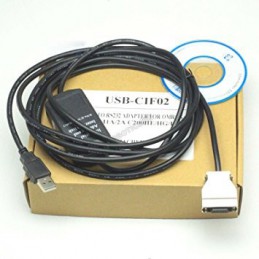
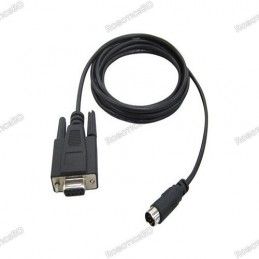
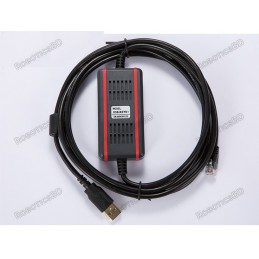
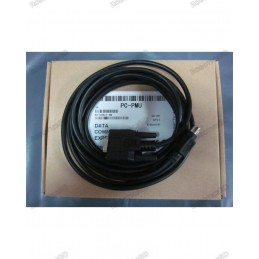
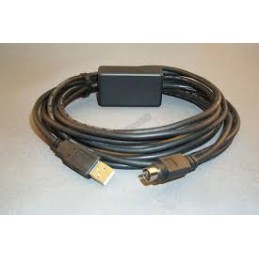
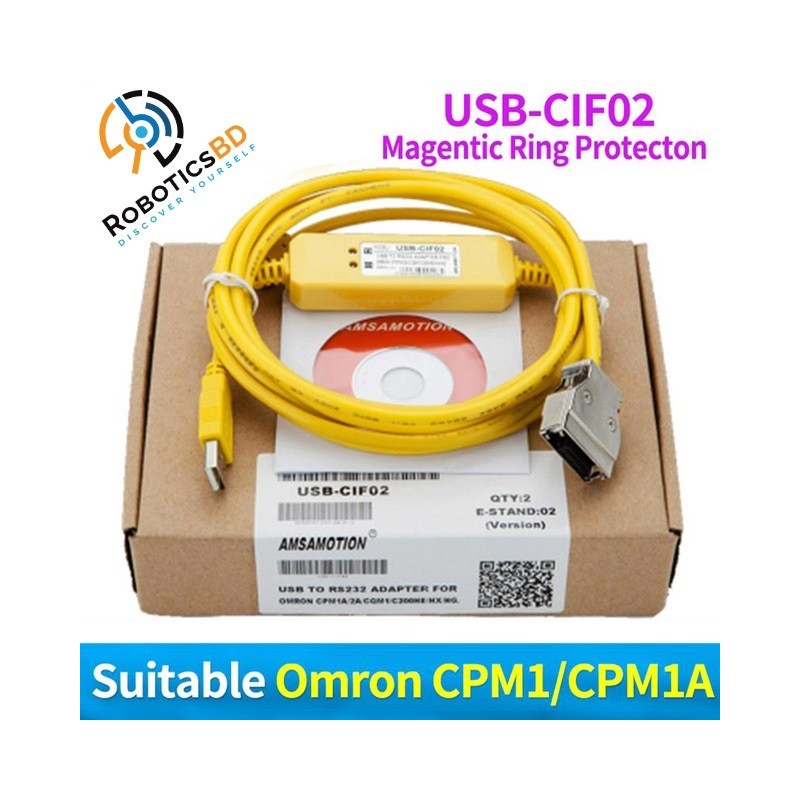
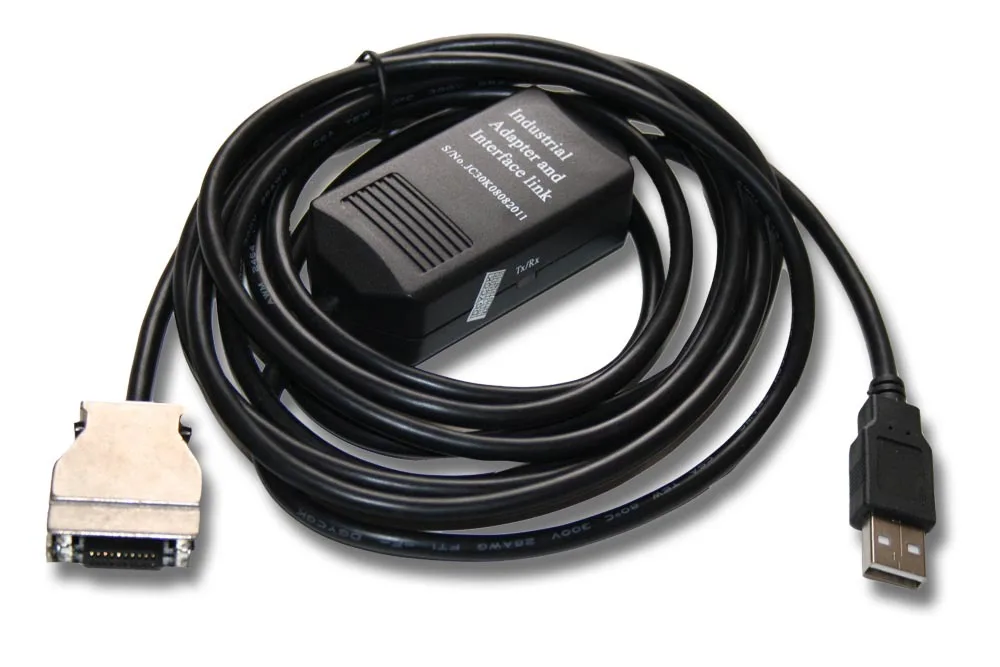
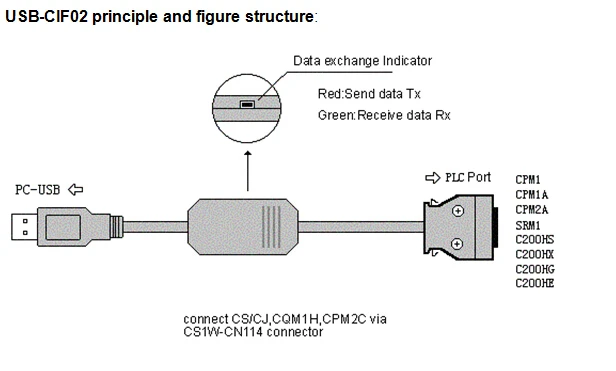
USB- CIF02:USB interface Omron series PLC programming cable,with communication indicator,cable connection between CQM1,CPM1, CPM1A, CPM2A,C200HS,C200HX/HG/HE,SRM1 series PLC and the computer.
After connected with CS1W-CN114 cable,it can also be connected with CS/CJ,CQM1H and CPM2C series PLC. 3 Meters
Introduction
USB-CIF02 programming cable simulates USB port as traditional serial port (usually COM3).The working power supply of this cable is directly from the USB port, but not the PLC programming interface. The two-color LED on the converter box indicates data's transceiving status.
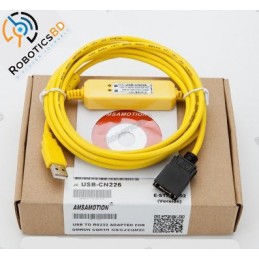
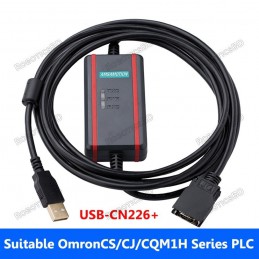
USB-CIF02 is applicable to Omron PLC,which can directly connect with CQM1, CPM1, CPM1A, CPM2A, CPM2B, CPM2AH, C200HS, C200HX/HG/HE and SRM1 series PLC; for CS / CJ, CQM1H and CPM2C series PLC , please choose USB-CN226 programming cable, but also can connect with CS / CJ, CQM1H and CPM2C series PLC via CS1W-CN114 cable adapter.
Note: USB-CIF02 can not be used to the old model C200H, C_ _ H, C500-AP003, 3G2A5-AP003 series PLC.
Outline configuration:
Features and technological index:
Support USB-CIF02 programming software version: CX-Programmer V1.0 and above
fully compatible with USB2.0 norms
USB-bus powered, with current consumption of 50 mA
Baud rate: 300 bps ~ 1Mbps automatically adapt to the standard baud rate
Support UART data format: data bits: 7-8; stop bit: 1, 2; check-bit: odd / even / no parity
Each PC only supports one USB cable programming
Working temperature: -20 ~ +75
Cable length: 3 m; Color: black
Usage:
USB device drivers should be installed before using USB-CIF02 programming cable, which are available on the CD-ROM sold together with the cable. And for the specific installation steps, please refer to the instruction files on the CD-ROM drivers, and details are not necessarily listed here.
After completing Driver installation, the corresponding COM port for the USB-CIF02 programming cable will be displayed in the “Device Manager” of Window. The step next is just to choose this COM port in the programming software and other application software and keep other communication parameters as in the Default settings. And the following steps are exactly the same as in the traditional programming cables with RS232 interfaces.
Long-distance communications:
USB-CIF02 programming cable does not support long-distance communication. For long-distance communication, RS485/422 communication module can be chosen (model: FS-CIF11), which makes dozens of PLC communicate, with the largest communication range of up to 2 Km.
Please Note: USB interface cannot be extended.

The quality is guaranteed.It's tested before shippment.Not made by Omron,OEM product as the replacement.
Specific References
Your review appreciation cannot be sent
Report comment
Report sent
Your report cannot be sent
Write your review
Review sent
Your review cannot be sent
Reference: RBD-0611
We'll slide into your inbox when the product is back in stock.
Reference: RBD-0790
We'll slide into your inbox when the product is back in stock.
Reference: RBD-0789
We'll slide into your inbox when the product is back in stock.
Reference: RBD-0586
We'll slide into your inbox when the product is back in stock.
Reference: RBD-0783
We'll slide into your inbox when the product is back in stock.
Reference: RBD-0597
We'll slide into your inbox when the product is back in stock.
Reference: RBD-0598
We'll slide into your inbox when the product is back in stock.
Reference: RBD-0596
We'll slide into your inbox when the product is back in stock.
Reference: RBD-0591
We'll slide into your inbox when the product is back in stock.
Reference: RBD-0592
We'll slide into your inbox when the product is back in stock.
Reference: RBD-0613
We'll slide into your inbox when the product is back in stock.
Reference: RBD-0600
We'll slide into your inbox when the product is back in stock.
Reference: RBD-0606
We'll slide into your inbox when the product is back in stock.
Reference: RBD-0585
We'll slide into your inbox when the product is back in stock.
Reference: RBD-0781
We'll slide into your inbox when the product is back in stock.
Reference: RBD-0614
We'll slide into your inbox when the product is back in stock.
Reference: RBD-0724
We'll slide into your inbox when the product is back in stock.
Reference: RBD-0774
We'll slide into your inbox when the product is back in stock.
Reference: RBD-0776
We'll slide into your inbox when the product is back in stock.
Reference: RBD-0775
We'll slide into your inbox when the product is back in stock.
Reference: RBD-0777
We'll slide into your inbox when the product is back in stock.
Reference: RBD-0779
We'll slide into your inbox when the product is back in stock.
Reference: RBD-0780
We'll slide into your inbox when the product is back in stock.
Reference: RBD-0781
We'll slide into your inbox when the product is back in stock.
----------------------------------------------------------
Please Contact: 01705-760637
check_circle
check_circle