- Sold-out

Banner

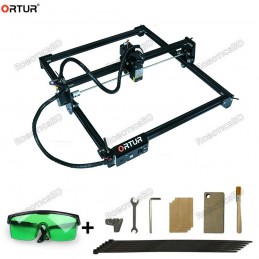
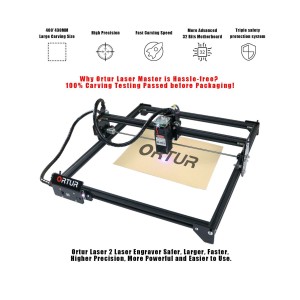
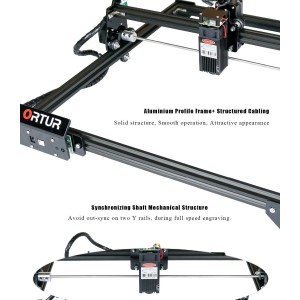
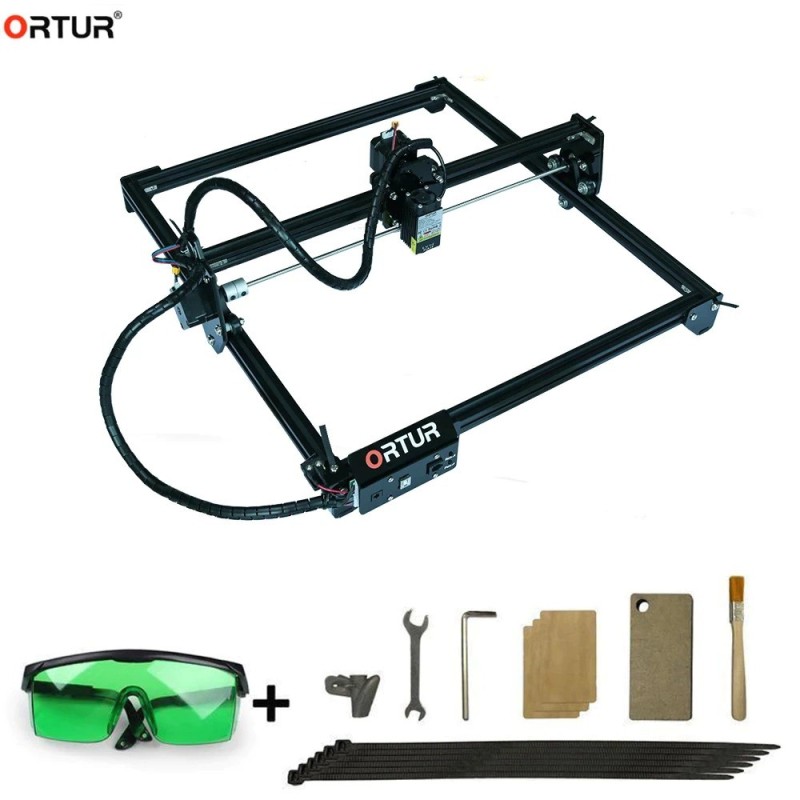
The Laser Master 2 – 20W is higher power and supports a faster engraving and cutting. (Available on RoboticsBD) Featured By RoboticsBD.
Product Images are shown for illustrative purposes only and may differ from the actual product.
RoboticsBD RoboticsBD RoboticsBD RoboticsBD RoboticsBD RoboticsBD RoboticsBD RoboticsBD RoboticsBD RoboticsBD
RoboticsBD RoboticsBD RoboticsBD RoboticsBD RoboticsBD RoboticsBD RoboticsBD RoboticsBD RoboticsBD RoboticsBD
| General Specification | |
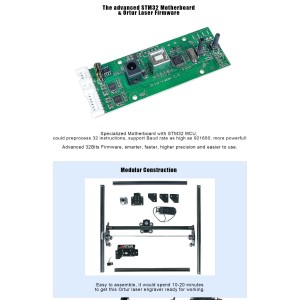
| Motherboard | 32 bits motherboard with STM32 MCU |
| Firmware | Ortur Laser Master Firmware |
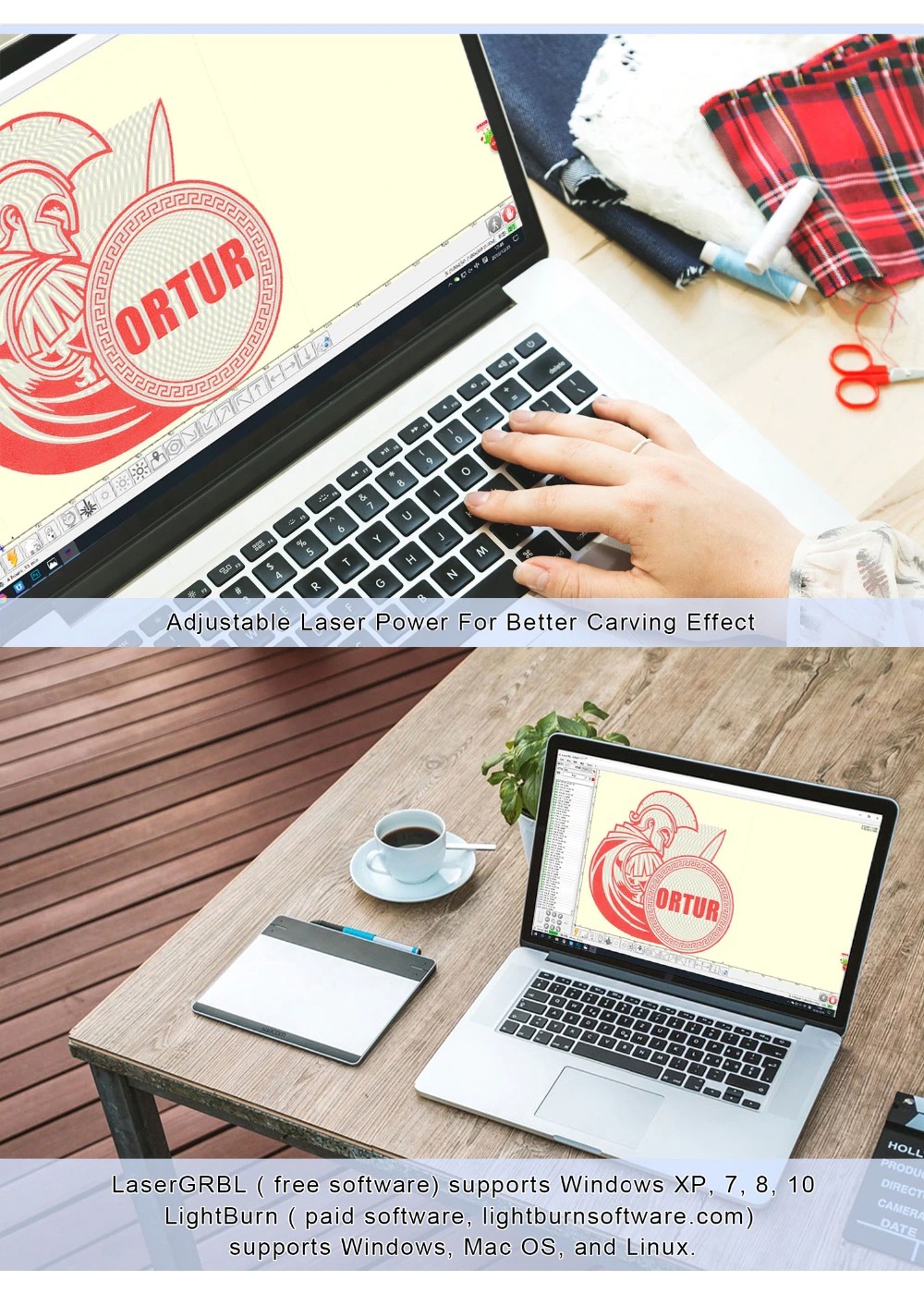
| OS of Upper Computer | Windows ( Working with LaserGRBL ), MAC OS and Linux ( Working with LightBurn ) |
| Power of Laser Engraver | 36W, 12V 3A |
| Electrical Power of Laser Module | 7W, 15W, 20W |
| Wave Length | 445nm |
| Variable Focus | Yes |
| Default Focal Length | 55MM for 15W & 20W Laser Module; 58MM for 7W Laser Module |
| Input Format | NC, BMP, JPG, PNG, DXF, etc. |
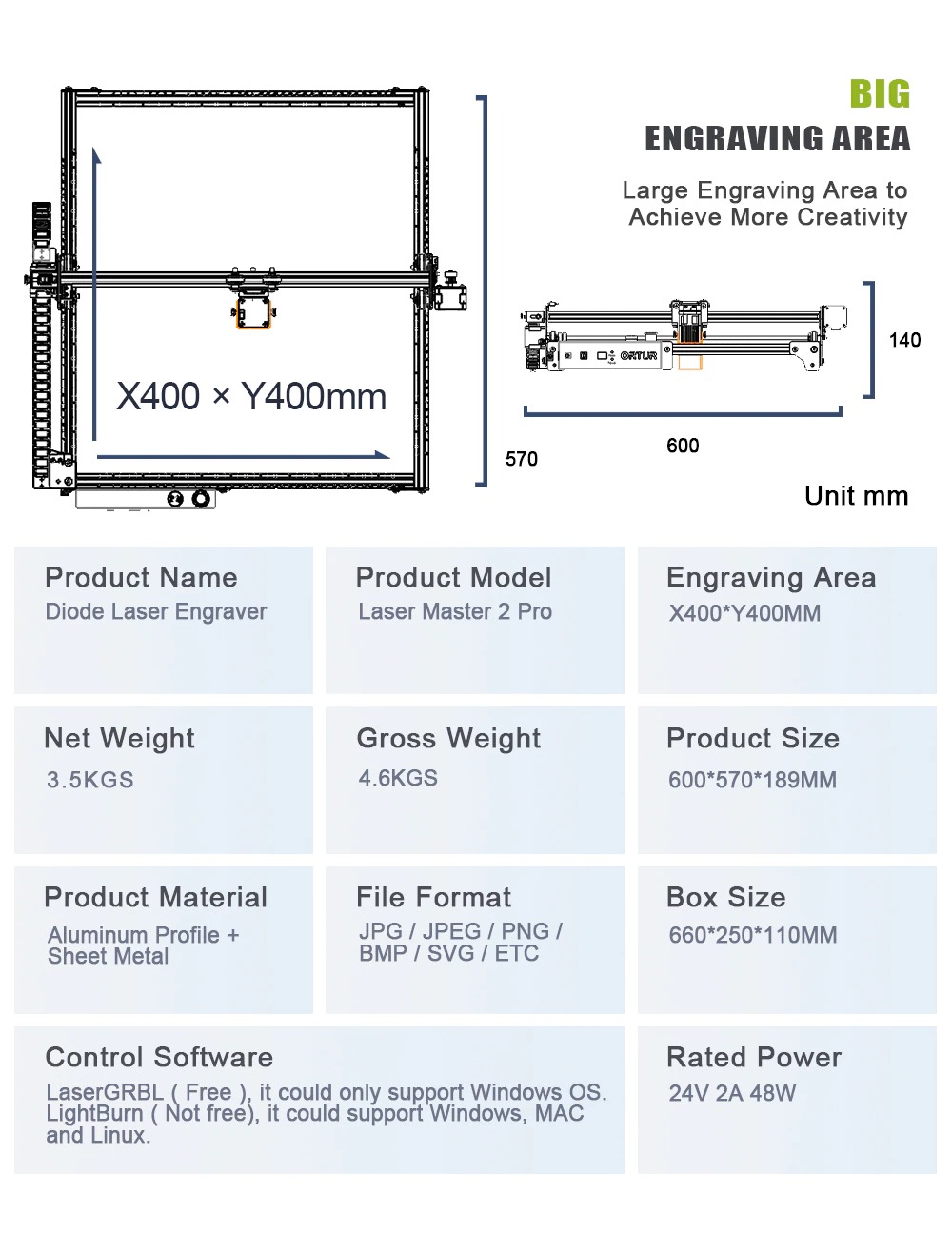
| Engraving Area X | 400MM x Y 430MM |
| Engraving Speed | up to 3000MM / Min. |
| Image size | No Limit ( The pixel accuracy could be adjusted freely, and the default is 300 pixels per inch, it’s about 0.81um pixel precision ) |
| Shipment Weight | 3.520 kg |
| Shipment Dimensions | 55 × 25 × 15 cm |
Please allow 5% measuring deviation due to manual measurement.
RoboticsBD RoboticsBD RoboticsBD RoboticsBD RoboticsBD RoboticsBD RoboticsBD RoboticsBD RoboticsBD RoboticsBD
LaserGRBL custom buttons
Custom Ortur Buttons: Download(PC )
List of compatible software with Ortur Laser Master 2
NOTE: Although not always necessary its important that the drivers for the STMicroelectronics controller are installed correctly in your system for propper operation (only required in Microsoft Windows systems)
When connecting your Ortur Laser Master 2 to your computer, navigate to your device manager using this steps:
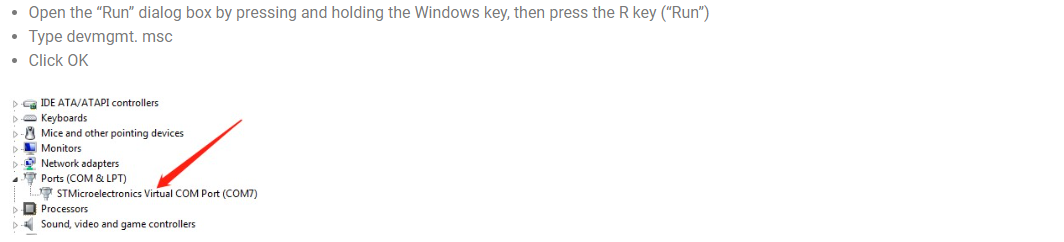
If you already see STMicroelectronics Virtual Com Port device in the ports section, you do not require the driver installation, Otherwise, please use the drivers below matching your Windows operating system and install them. After installation, restart your computer and check again if your machine is recognized as a STMicroelectronics Virtual Com port. Also take note of the (COMx) port attributed to your Ortur.
Windows 10 – Windows 8
Windows 7 – Windows XP
Ortur Laser Master 2 Firmware
Ortur Firmware is constantly being improved.
For the latest version please visit the firmware repository webpage:
At times bad things happen! Be it shipping damage or failure during use, below a list of STL files that should give you the ability to 3D print spare parts for your Ortur Laser Master 2:
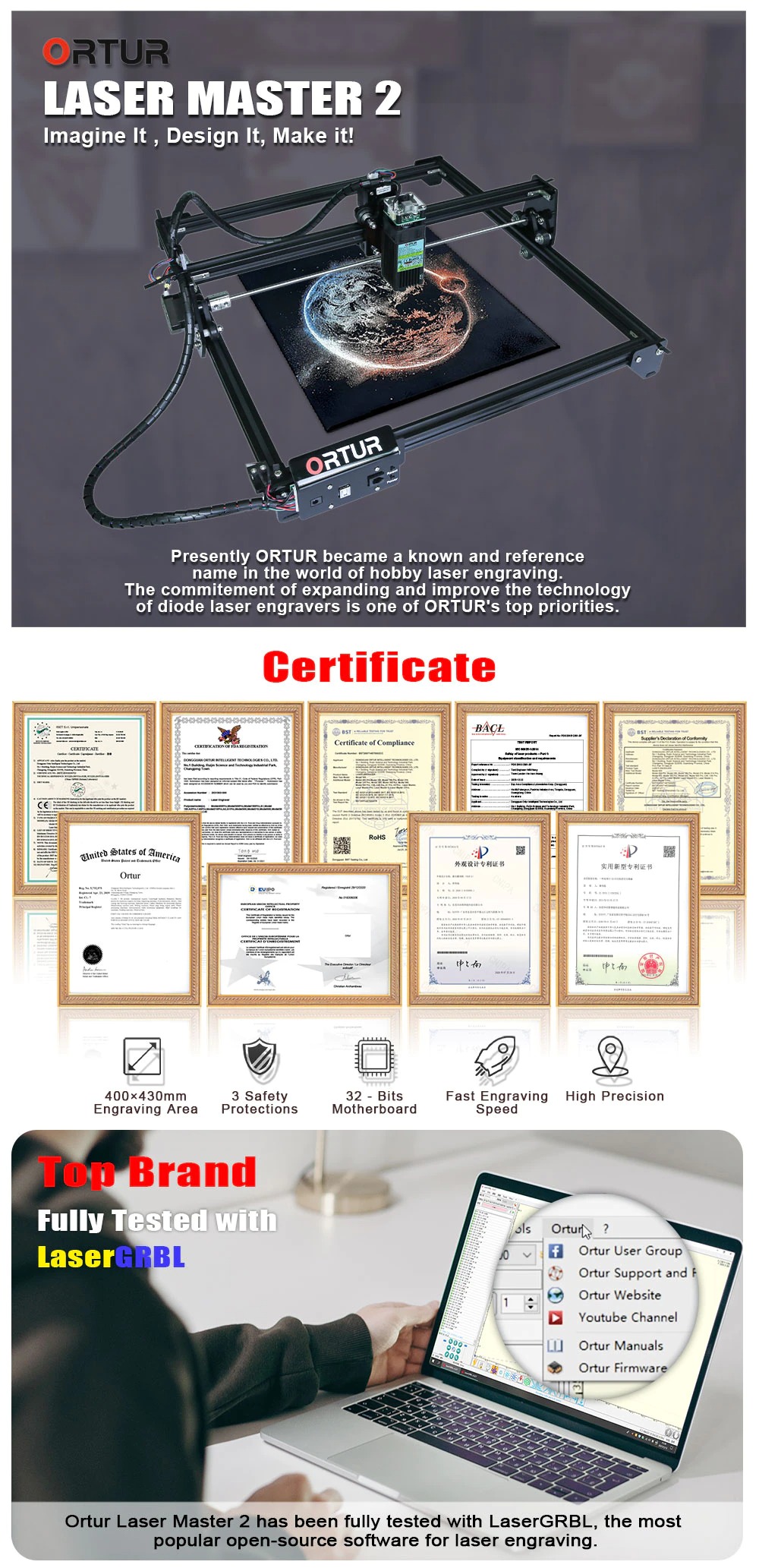
1 x Ortur Laser Master 2 20W with STM32 MCU High Speed Ortur Laser Engraver and Cutter Kit.
RoboticsBD RoboticsBD RoboticsBD RoboticsBD RoboticsBD RoboticsBD RoboticsBD RoboticsBD RoboticsBD RoboticsBD
RoboticsBD RoboticsBD RoboticsBD RoboticsBD RoboticsBD RoboticsBD RoboticsBD RoboticsBD RoboticsBD RoboticsBD
Specific References
Your review appreciation cannot be sent
Report comment
Report sent
Your report cannot be sent
Write your review
Review sent
Your review cannot be sent
Reference: RBD-2107
Reference: RBD-4032
Brand: Creality Official
Reference: RBD-1391
Reference: RBD-2948
We'll slide into your inbox when the product is back in stock.
Reference: RBD-1733
Brand: Creality Official
We'll slide into your inbox when the product is back in stock.
Reference: RBD-3065
We'll slide into your inbox when the product is back in stock.
Reference: RBD-2832
Reference: RBD-1311
We'll slide into your inbox when the product is back in stock.
Reference: RBD-1317
We'll slide into your inbox when the product is back in stock.
Reference: 1265
Brand: Anycubic
We'll slide into your inbox when the product is back in stock.
Reference: RBD-3045
Reference: RBD-4035
Brand: Bambu Lab
Reference: RBD-1369
Reference: RBD-3064
Reference: RBD-3542
Reference: RBD-2436
Brand: Creality Official
Reference: RBD-2437
Brand: Creality Official
Reference: RBD-2525
Brand: Creality Official
Reference: RBD-2526
Brand: Creality Official
Reference: RBD-3045
Reference: RBD-1391
Reference: RBD-3054
Reference: RBD-1392
Reference: RBD-3064
Reference: RBD-1733
Brand: Creality Official
We'll slide into your inbox when the product is back in stock.
Reference: 1404
Brand: Creality Official
We'll slide into your inbox when the product is back in stock.
Reference: 1403
Brand: Creality Official
We'll slide into your inbox when the product is back in stock.
Reference: RBD-1252
Reference: RBD-1312
We'll slide into your inbox when the product is back in stock.
Reference: RBD-1311
We'll slide into your inbox when the product is back in stock.
check_circle
check_circle