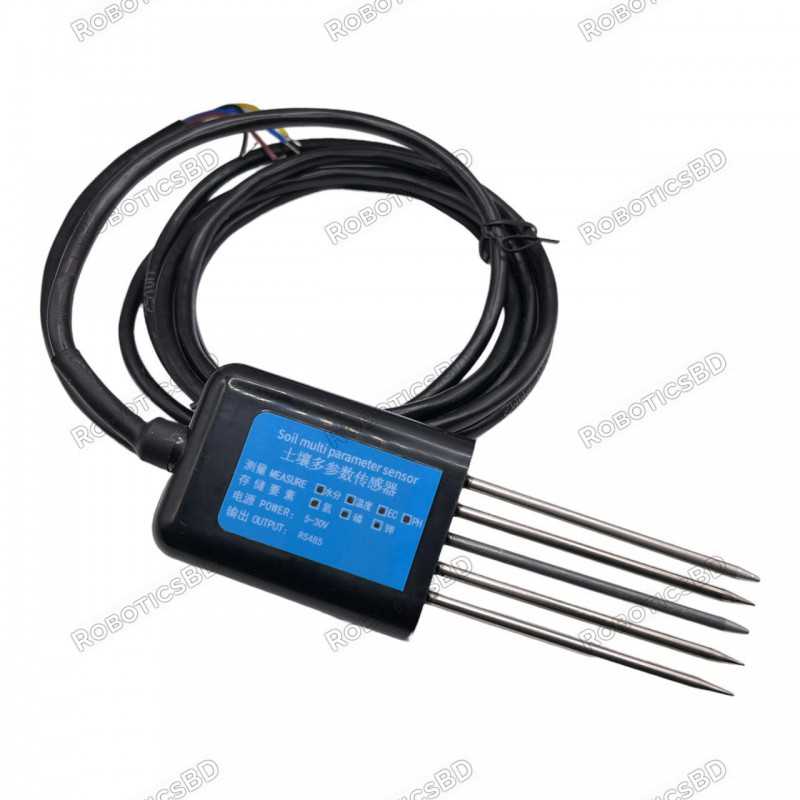
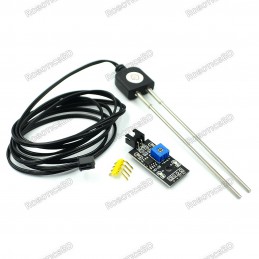
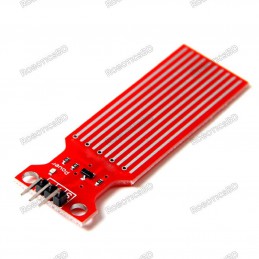
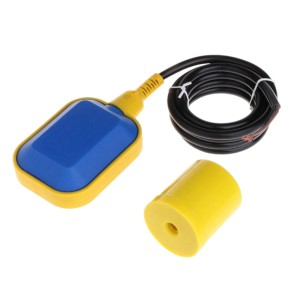
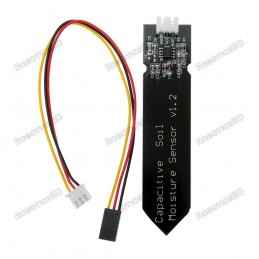
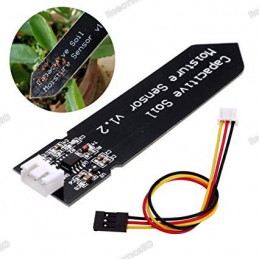
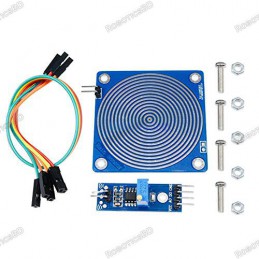
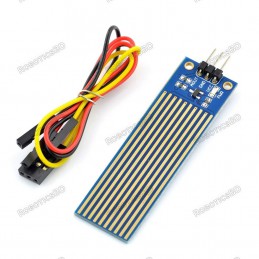
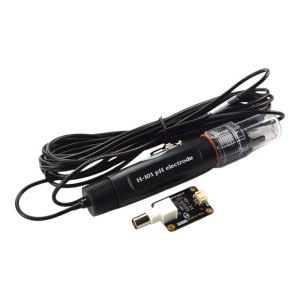
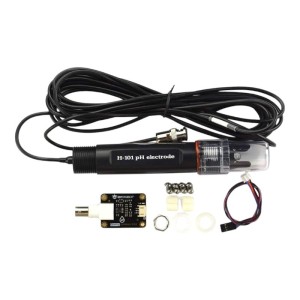
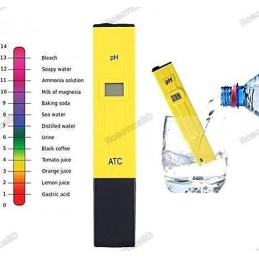
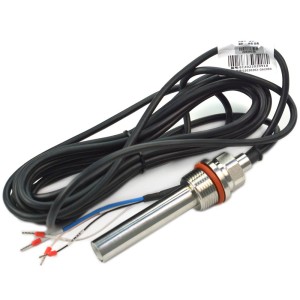
The RS485 5-Pin Multi-Parameter Soil Sensor is a versatile and reliable tool for monitoring essential soil parameters, including pH, NPK, moisture, temperature, and conductivity. Designed for durability, it features a corrosion-resistant, IP68-rated structure, making it suitable for long-term use in various soil types and environmental conditions. This sensor operates with a wide voltage range (4.5-30V) and uses the RS485 Modbus protocol for easy integration with PLCs, microcontrollers, and computers. Its high precision and fast response ensure accurate data for agricultural applications, water-saving irrigation, precision farming, and scientific experiments. Featured By RoboticsBD.
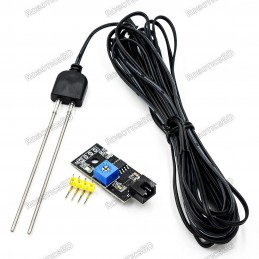
Product Images are shown for illustrative purposes only and may differ from the actual product.
This NPK sensor does not automatically provide accurate readings—it must first be calibrated. To ensure proper use of the NPK storage system, soil samples must be collected and measured using a nationally standardized measuring instrument.
After obtaining accurate nitrogen (N), phosphorus (P), and potassium (K) values, these results must be written into the device using the 485 communication protocol.
Once the calibration data is uploaded, the sensor will begin displaying real-time NPK values. This calibration step is mandatory and must be completed before relying on any measurements from the system.
RoboticsBD RoboticsBD RoboticsBD RoboticsBD RoboticsBD RoboticsBD RoboticsBD RoboticsBD RoboticsBD RoboticsBD
Features:
- Multi-Parameter Measurement: Monitors soil pH, NPK levels, moisture, temperature, and electrical conductivity.
- High Durability: Corrosion-resistant, IP68-rated design for long-term use in soil and water environments.
- Built-in Temperature Compensation: Ensures accurate conductivity readings across a range of temperatures.
- Wide Voltage Compatibility: Operates with 4.5-30V DC power supply for flexible deployment.
- RS485 Modbus Protocol: Facilitates seamless integration with industrial controllers and computer systems.
- Precision Monitoring: High-resolution and accurate measurements for all parameters.
RoboticsBD RoboticsBD RoboticsBD RoboticsBD RoboticsBD RoboticsBD RoboticsBD RoboticsBD RoboticsBD RoboticsBD
Applications:
- Precision Agriculture: Monitors soil conditions to optimize crop yield and resource usage.
- Irrigation Systems: Enhances water-saving irrigation by providing real-time soil data.
- Scientific Research: Ideal for experiments and studies on soil quality and dynamics.
- Environmental Monitoring: Suitable for tracking soil and water conditions in various ecosystems.
- Greenhouse Management: Ensures optimal conditions for plant growth in controlled environments.
RoboticsBD RoboticsBD RoboticsBD RoboticsBD RoboticsBD RoboticsBD RoboticsBD RoboticsBD RoboticsBD RoboticsBD
| General Specifications |
| Operating Voltage | 4.5-30V DC |
| Maximum Power Consumption | 0.5W (at 24V) |
| Operating Temperature | -20°C to +60°C |
| pH Range | 3-9 pH |
| NPK Range | 0-2999 mg/kg |
| Moisture Range | 0-100% |
| Conductivity Range | 0-20000 µs/cm |
| Temperature Range | -40°C to +80°C |
| Accuracy | ±3% FS (varies by parameter) |
| Communication Protocol | RS485 (Modbus) |
| Protection Rating | IP68 |
| Dimensions | 45 x 15 x 123 mm |
| Default Cable Length | 2 meters (customizable) |
| Shipment Weight | 0.137 kg |
| Shipment Dimensions | 18 x 12 x 3 cm |
Please allow 5% measuring deviation due to manual measurement.
RoboticsBD RoboticsBD RoboticsBD RoboticsBD RoboticsBD RoboticsBD RoboticsBD RoboticsBD RoboticsBD RoboticsBD
Documentation:
Holding Register Value
There are some steps you have to follow to read the holding register. Please use the following devices along with the NPK Storage Sensor.
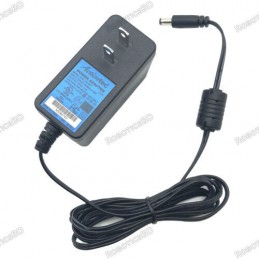
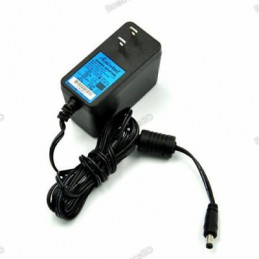
- Power Adapter 12V 2A
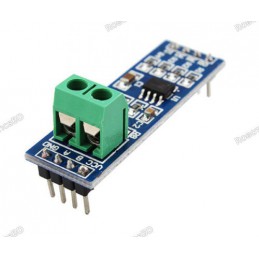
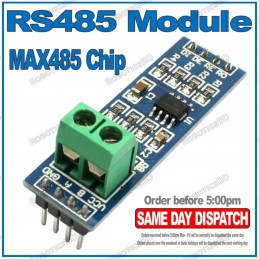
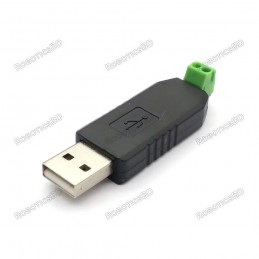
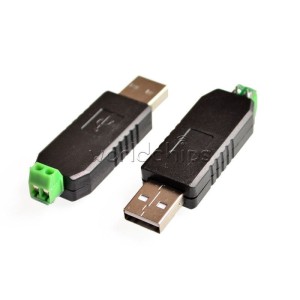
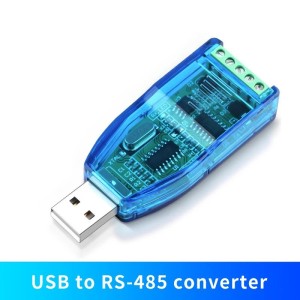
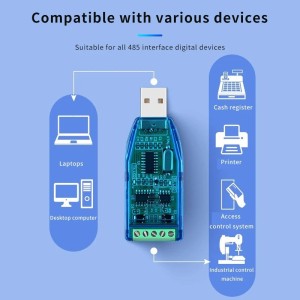
- USB_RS485 Converter
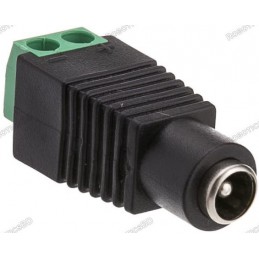
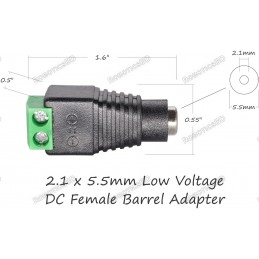
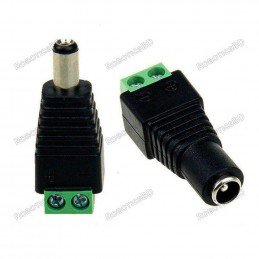
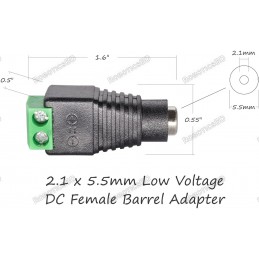
- Barrel Connector Female
Connect it as follows:

Connect the NPK Sensor's Yellow and Blue wires to USB's A and B terminals RS485.
Connect the Brown and Black wires from the NPK Sensor to the + and - terminals on the Barrel Connector.
Now power the sensor and connect the USB RS485 to the Windows 10 PC.
Please check your device manager to ensure which COM port is detected.
Download CAS MODBUS SCANNER and add a device (https://store.chipkin.com/products/tools/cas-modbus-scanner)
Use Baud Rate: 4800
Device ID: 1
Read Holding Register from from 40001 for 100
How to Use
Since the electrode directly measures the conductivity of the soluble salt ions in the soil, the soluble ions in the soil must be higher than about 20% when the soil volume moisture content can correctly reflect the conductivity of the soil. In the long-term observation, the measured value after irrigation or rainfall is closer to the true level. If you want to measure quickly, you can water the measured soil first, and measure after the water is fully infiltrated.
If you are measuring on a hard surface, you should drill a hole first (the diameter of the hole should be smaller than the diameter of the probe), then insert it into the soil and compact the soil before measuring; the transmitter should prevent severe vibration and impact, let alone knock it with hard objects. hit. Since the transmitter is packaged in black, the temperature of the transmitter will rise sharply (up to 50°C) under strong sunlight. Pay attention to sunshade and protection when using.
Quick test method
Select a suitable measurement location, avoid stones, ensure that the steel needle will not touch hard objects, throw away the surface soil according to the required measurement depth, keep the original tightness of the soil below, hold the sensor vertically and insert it into the soil. Do not shake from side to side during the operation. It is recommended to take multiple measurements within a small range of a measuring point to obtain the average value.
Buried measurement method
Dig a pit with a diameter > 20cm vertically, insert the steel needle of the transmitter horizontally into the pit wall at a predetermined depth, and fill the pit tightly. Record.
Precautions
1. When measuring, the steel needle must be fully inserted into the soil.
2. Avoid strong sunlight directly irradiating the transmitter and causing the temperature to be too high. Pay attention to lightning protection when using in the field.
3. Do not bend the steel needle violently, do not pull the transmitter lead-out force, and do not beat or hit the transmitter violently.
4. The protection level of the transmitter is IP68, and the transmitter can be completely soaked in water.
5. Due to the presence of radio frequency electromagnetic radiation in the air, it is not advisable to be in the energized state for a long time in the air.
Configuration Software Installation and Use
Supporting "485 parameter configuration software" , which can easily use the computer to read the parameters of the sensor, and at the same time flexibly modify the device ID and address of the sensor.
Note that when using software to automatically acquire, it is necessary to ensure that there is only one sensor on the 485 bus.
Connect the sensor to the computer
After the sensor is correctly connected to the computer via USB to 485 and provides power, you can see the correct COM port on the computer (check the COM port in "My Computer-Properties-Device Manager-Port").
Open the data package, select "debugging software" --- "485 parameter configuration software", find and open it.
If the COM port is not found in the device manager, it means that you have not installed the USB to 485 driver (included in the data package) or have not installed the driver correctly, please contact the technical staff for help.
Use of sensor monitoring software
①. The configuration interface is as shown in the figure. First, obtain the serial port number and select the correct serial port according to the method in Chapter 3.1 .
②. Click the test baud rate of the software, and the software will test the baud rate and address of the current device. The default baud rate is 4800bit/s, and the default address is 0x01.
③. Modify the address and baud rate according to the needs of use, and at the same time query the current function status of the device.
④. If the test is unsuccessful, please recheck the device wiring and 485 driver installation.
Data frame format definition
Adopt Modbus-RTU communication protocol, the format is as follows:
Time for initial structure ≥ 4 bytes
Address code = 1 byte
Function code = 1 byte
Data area = N bytes
Error checking = 16-bit CRC code
end structure ≥ 4 bytes
Address code: It is the address of the transmitter, which is unique in the communication network (factory default 0x01).
Function code: This product uses function codes 0x03, 0x06, 0x10, etc.
Data area: The data area is the specific communication data, pay attention to the high byte of 16bits data first!
CRC code: two-byte check code.
Interface description
Wide voltage power supply input 4.5~30V can be used. When wiring the 485 signal line, pay attention that the A/B lines cannot be reversed, and the addresses of multiple devices on the bus cannot conflict.
Sensor wiring
| Thread color | Illustrate | Remark |
| brown | Power positive | 4.5~30V DC |
| black | power ground | GND |
| yellow | 485-A | 485-A |
| blue | 485-B | 485-B |
Package Includes:
1 x Soil Sensor RS485 5 Pin PH NPK Storage Temperature And Humidity EC Sensor Conductivity Tester Multi Parameter
RoboticsBD RoboticsBD RoboticsBD RoboticsBD RoboticsBD RoboticsBD RoboticsBD RoboticsBD RoboticsBD RoboticsBD
RoboticsBD RoboticsBD RoboticsBD RoboticsBD RoboticsBD RoboticsBD RoboticsBD RoboticsBD RoboticsBD RoboticsBD