- Pack

Banner

For Standard LCD 16x2. Press here.
For Standard LCD 16x2 with Male Header. Press here
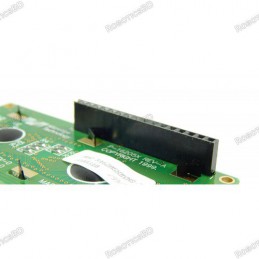
For Standard LCD 16x2 with Female Header. Press here
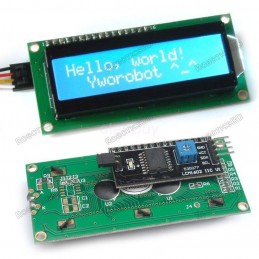
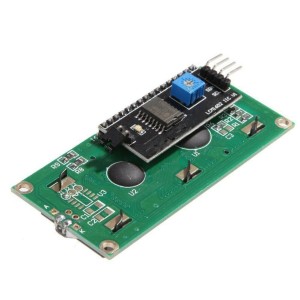
For Standard LCD 16x2 with I2C adapter board soldered. Press here.
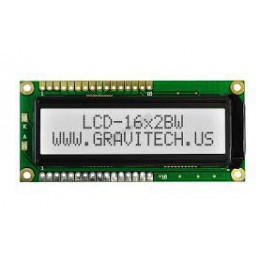
For Standard LCD 16x2 with White Background. Press here.
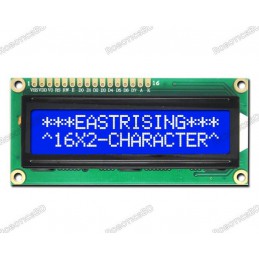
For Standard LCD 16x2 with Blue Background. Press here.
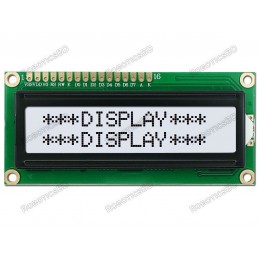
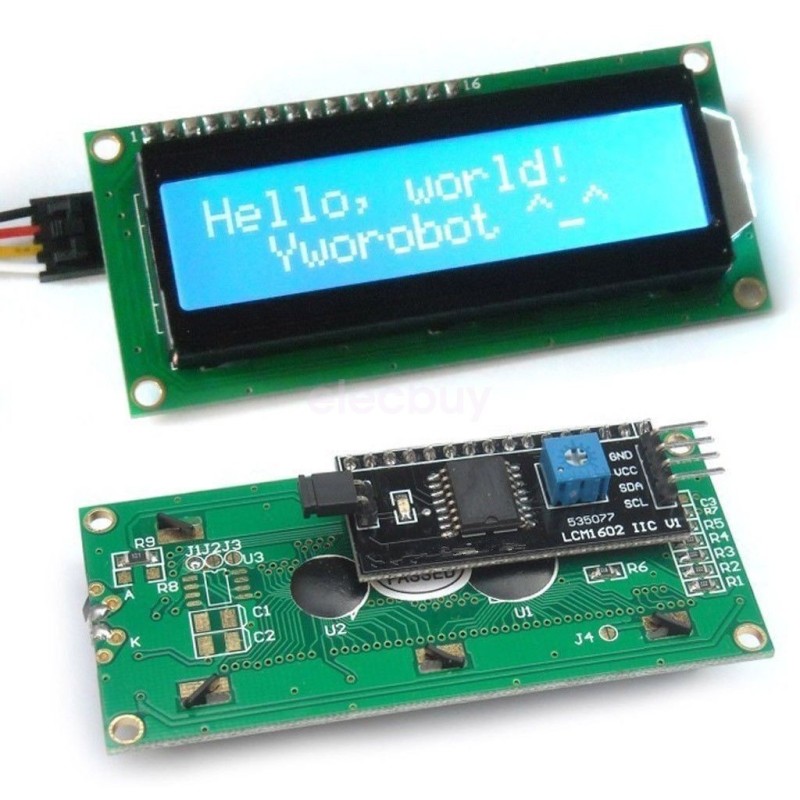
If you want to add some visual output to your Arduino projects, you’ll need a display. If you need only a little to display, the LCD1602 Parallel LCD Display with IIC/I2C interface is a quite good solution. RoboticsBD
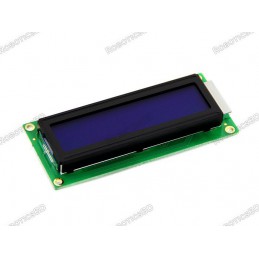
This is LCD1602 Parallel LCD Display that provides a simple and cost-effective solution for adding a 16×2 White on RGB Liquid Crystal Display into your project. The display is 16 character by 2 line display that has a very clear and high contrast white text upon a blue background/backlight.
This is the great blue backlight LCD display. It is fantastic for Arduino-based projects. This LCD1602 Parallel LCD Display with Yellow Backlight is very easy to interface with Arduino or Other Microcontrollers. RoboticsBD
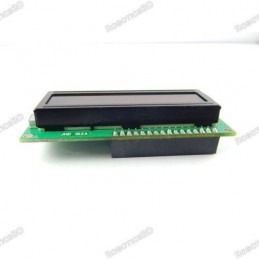
This display overcomes the drawback of LCD1602 Parallel LCD Display in which you’ll waste about 8 Pins on your Arduino for the display to get working. Luckily in this product, an I2C adapter is directly soldered right onto the pins of the display. So all you need to connect are the I2C pins, which show a good library and little coding. RoboticsBD
The I2C is a type of serial bus developed by Philips, which uses two bidirectional lines, called SDA (Serial Data Line) and SCL (Serial Clock Line). Both must be connected via pulled-up resistors. The usage voltages are standard as 5V and 3.3V.
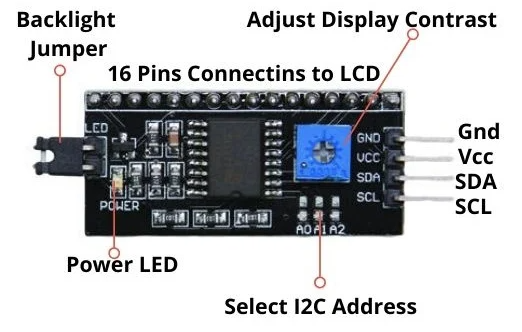
If you already have the I2C adapter soldered onto the board like in this product, the wiring is quite easy. You should usually have only four pins to hook up. VCC and GND of course. The LCD display works with 5 Volts. So we go for the 5V Pin.
The values shown on the display can be either simple text or numerical values read by the sensors, such as temperature or pressure, or even the number of cycles that the Arduino is performing. Featured By RoboticsBD.
Product Images are shown for illustrative purposes only and may differ from the actual product.
RoboticsBD RoboticsBD RoboticsBD RoboticsBD RoboticsBD RoboticsBD RoboticsBD RoboticsBD RoboticsBD RoboticsBD
RoboticsBD RoboticsBD RoboticsBD RoboticsBD RoboticsBD RoboticsBD RoboticsBD RoboticsBD RoboticsBD RoboticsBD
| General Specification | |
| Model | LCD1602 |
| Characters | 16 |
| Interface Type | I2C |
| I2C Address | 0x27 |
| Character Color | White/Black |
| Backlight | Blue/Yellow |
| Input Voltage (V) | 5 |
| Length (mm) | 36 |
| Width (mm) | 80 |
| Height (mm) | 18 |
| Weight (gm) | 35 |
| Shipment Weight | 0.037 kg |
| Shipment Dimensions | 8 × 5 × 3 cm |
Please allow 5% measuring deviation due to manual measurement.
RoboticsBD RoboticsBD RoboticsBD RoboticsBD RoboticsBD RoboticsBD RoboticsBD RoboticsBD RoboticsBD RoboticsBD
1 x 16x2 Serial LCD Module Display for Arduino Assembled
Specific References
Your review appreciation cannot be sent
Report comment
Report sent
Your report cannot be sent
Write your review
Review sent
Your review cannot be sent
Reference: RBD-2447
Reference: RBD-1408
Reference: RBD-0985
Reference: RBD-0576
Reference: RBD-2999
Brand: DFRobot
Reference: RBD-3295
Reference: RBD-2460
Reference: RBD-2293
Reference: RBD-0684
Reference: RBD-1842
Reference: RBD-2044
Reference: RBD-0915
Reference: RBD-2457
Reference: RBD-1336
Reference: RBD-1808
Reference: RBD-2428
Reference: RBD-0133
Reference: 0245
Reference: RBD-2640
Reference: RBD-0094
Reference: RBD-0120
Reference: RBD-0022
Reference: RBD-1354
Reference: RBD-2639
Reference: RBD-1643
Reference: RBD-1349
Reference: RBD-1642
Reference: RBD-1342
For Standard LCD 16x2. Press here.
For Standard LCD 16x2 with Male Header. Press here
For Standard LCD 16x2 with Female Header. Press here
For Standard LCD 16x2 with I2C adapter board soldered. Press here.
For Standard LCD 16x2 with White Background. Press here.
For Standard LCD 16x2 with Blue Background. Press here.
check_circle
check_circle