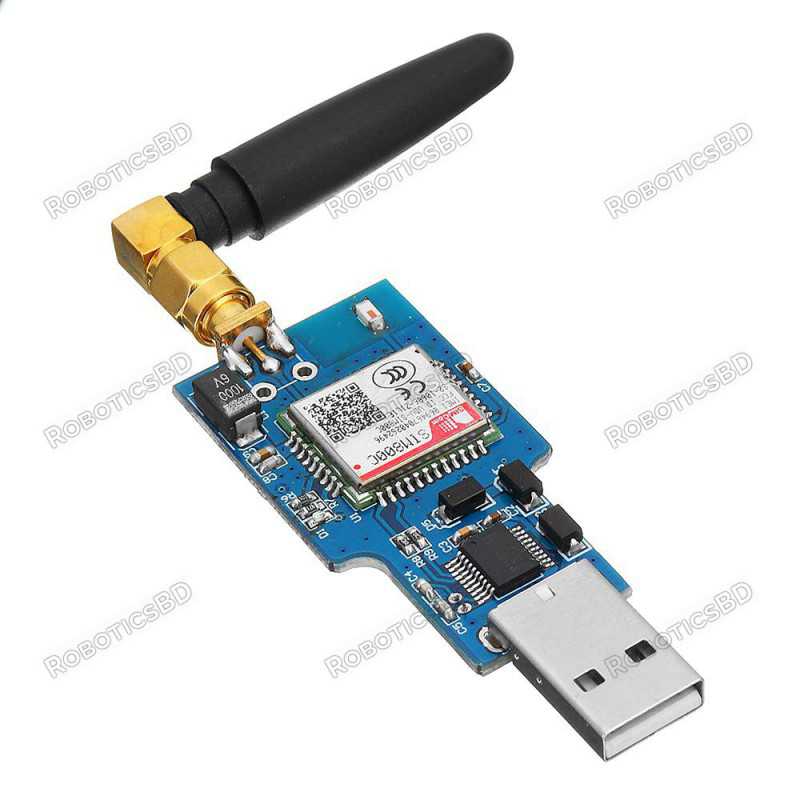
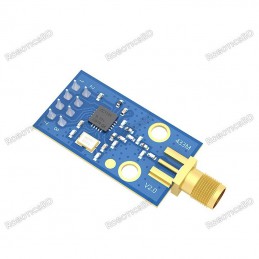
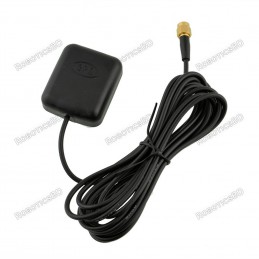
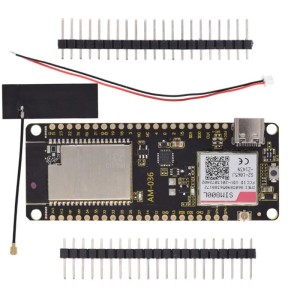
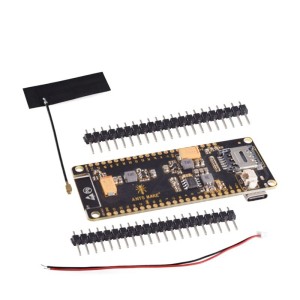
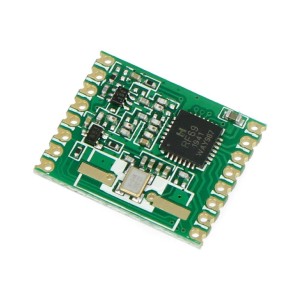
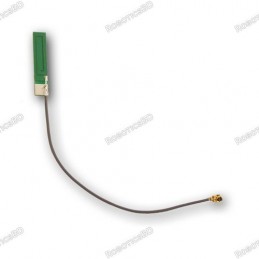
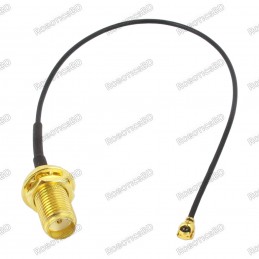
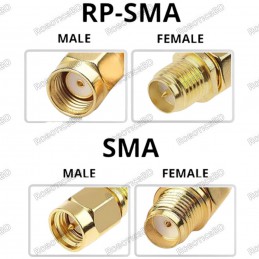
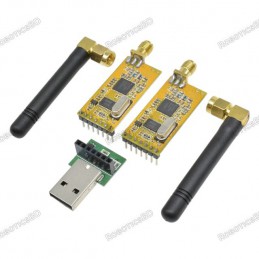
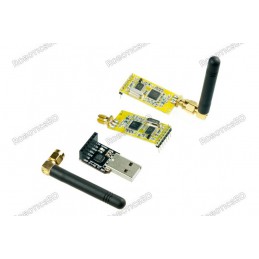
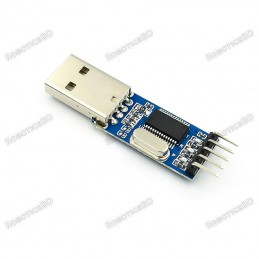
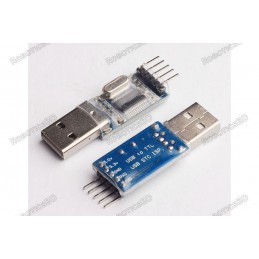
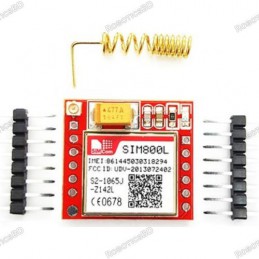
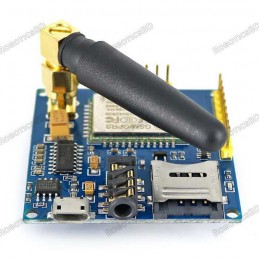
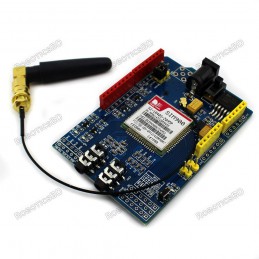
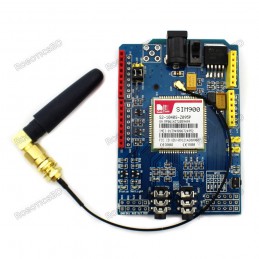
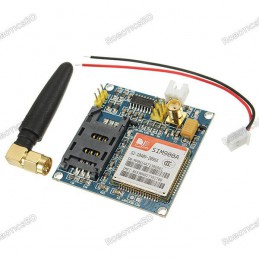
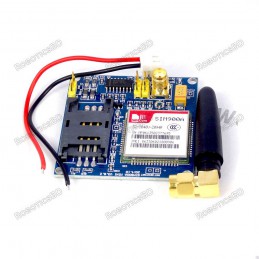
LC-GSM-SIM800C USB to GSM is a quad-band GSM/GPRS module with stable performance, compact appearance and high cost performance, which can meet the various needs of customers. Integrated USB to serial port chip, you can plug directly into the computer to debug. SIM800C operates at GSM/GPRS 850/900/1800/1900MHz which support to be used worldwide. It can transmit voice , SMS information and data information with low power consumption, and can be applied to different design requirements of many compact product. Featured By RoboticsBD.
Product Images are shown for illustrative purposes only and may differ from the actual product.
RoboticsBD RoboticsBD RoboticsBD RoboticsBD RoboticsBD RoboticsBD RoboticsBD RoboticsBD RoboticsBD RoboticsBD
Applications:
- Voice communication
- SMS information transmission
- Data communication
- Intelligent remote control
- Intelligent control
- Model control
- Robot control
RoboticsBD RoboticsBD RoboticsBD RoboticsBD RoboticsBD RoboticsBD RoboticsBD RoboticsBD RoboticsBD RoboticsBD
Features:
- USB communication, no need write code
- Support PC software automation
- Double antenna
- Support quad-band, universal worldwide
- Support 2G/3G/4G
- Automatically connect to the network
- Adaptive frequency
- Support Bluetooth
- On-board original SIM800C GSM/GPRS module
- On-board CH340T USB to serial port chip, easy to install and high compatibility.
- Self-elastic SIM card slot design, can be used 2G/3G/4G Micro SIM and Nano card
- The module is powered on automatically to connect to the network, no need to press the button to power on, saving time and more convenient
- Support SMS messaging and provide management software
- Provide full set instruction of host computer source code (c#, vb) for reference
- Support GPRS data transmission under 2G network, which can be applied to mobile meter reading and other occasions
- Support Bluetooth data transmission, IEEE802.15 Bluetooth standard, 2.4GHz working frequency band; 17>.
- Support adaptive baud rate
- It works with LED indicator, when there is no network, no SIM card or SIM card is inserted, the LED light flashes quickly in 1 second interval, and it flashes every 3 seconds if normally work. RoboticsBD
RoboticsBD RoboticsBD RoboticsBD RoboticsBD RoboticsBD RoboticsBD RoboticsBD RoboticsBD RoboticsBD RoboticsBD
| General Specification |
| Product Name: | SIM800C USB to GSM Module |
| Product Number: | LC-GSM-SIM800C |
| Working Voltage: | DC 5V |
| Working Temperature range: | -20℃~85℃ |
| Working Humidity range: | 0%-95%RH |
| Size of Controller: | 70*27*6mm |
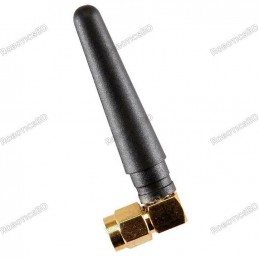
| Size of Antenna: | 50*17*11mm |
| Shipment Weight | 0.015 kg |
| Shipment Dimensions | 12 × 8 × 2 cm |
Please allow 5% measuring deviation due to manual measurement.
RoboticsBD RoboticsBD RoboticsBD RoboticsBD RoboticsBD RoboticsBD RoboticsBD RoboticsBD RoboticsBD RoboticsBD
Documentation(Using Steps):
- Connect 2.4GHz GSM antenna
- Insert SIM card
- Connect module to PC
- Install CH340 drive software
- Module starts initializing and LED indicator will Flashes once every second
- LED indicator will Flashes once every 3 second after initialization successful
- Start using.
Documentation(Simple Operation):
1>.Call:
1.1>.Initiate a voice call:ATD189****3783;(Notice: semicolon; is needed!!! and ‘189****3783’ is a phone number).It will return OK if successful.
1.2>.Hang up a call: ATH.It will return OK if successful.
1.3>.Answer a call: ATA.It will return OK if successful.
2>.Send messages(TEXT MODE):
2.1>.After the module is automatically registered, user can start the operation.
2.2>.LED indicator will Flashes once every 3 second after initialization successful.It means module has linked 2G network.
2.3>.Communication instruction:
Send:AT+CMGF=1
Return:AT+CMGF=1
OK
Send:AT+CSCS='GSM'
Return:AT+CSCS='GSM'
OK
Send:AT+CMGS='10086'
Return:AT+CMGS='10086'
>
Send:The messages
(Note:The messages are just string with contain by '0~9' and 'A~Z')
Return:The messages
Send:1A
(Note:'1A' send as Hexadecimal)
Return:+CMSS:xxx
(E.g:+CMSS:237)
3>.GPRS Data transmission:
3.1>.AT+CGCLASS='B' //Set the mobile channel Class B, that is, the module supports packet switching and circuit switching mode, but does not support simultaneous operation.
Return:
AT+CGCLASS='B'
OK
3.2.>.AT+CGDCONT=1,"IP","CMNET" //Set PDP context flag 1 and use Internet Protocol (IP) access point as "CMNET"
Return:
AT+CGDCONT=1,"IP","CMNET"
OK
3.3>.AT+CGATT=1 //It is used to set up attachment and separation GPRS services.
Return:
AT+CGATT=1
OK
3.4>.AT+CIPCSGP=1,"CMNET" //Set GPRS connection, the access point is ”CMNET”.
Return:
AT+CIPCSGP=1,"CMNET"
OK
3.5>.AT+CLPORT="TCP","2000" //Set the TCP connection local port number to 2000.
Return:
AT+CLPORT="TCP","2000"
OK
3.6>.AT+CIPSTART="TCP","111.68.4.142",9090 //It is used to establish a TCP connection or register a UDP port number. The module will establish a TCP connection. For example, the connection destination address is 111.69.4.146 and the port is 9090. If the connection is successful, it will return: CONNECT OK (Note: the IP address needs to be the public IP address. )
Return:
AT+CIPSTART="TCP","111.68.4.142",9090
OK
CONNECT OK
3.7>.AT+CIPSEND //Module sends data to the server
Return:
AT+CIPSEND
>SIM800C test //Data content:SIM800C test.User can send other message.
Return:
SIM800C test
->
SEND OK //Sent successfully
4>.If you need more debugging instructions, please refer to the SIM800C data sheet.
Documentation(SIM800C data sheet.):
- Datasheet
Package Includes:
1 x SIM800C USB to GSM Module
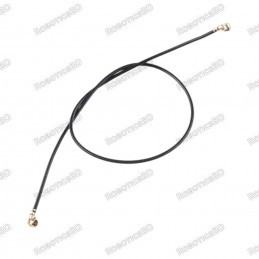
1 x Antenna