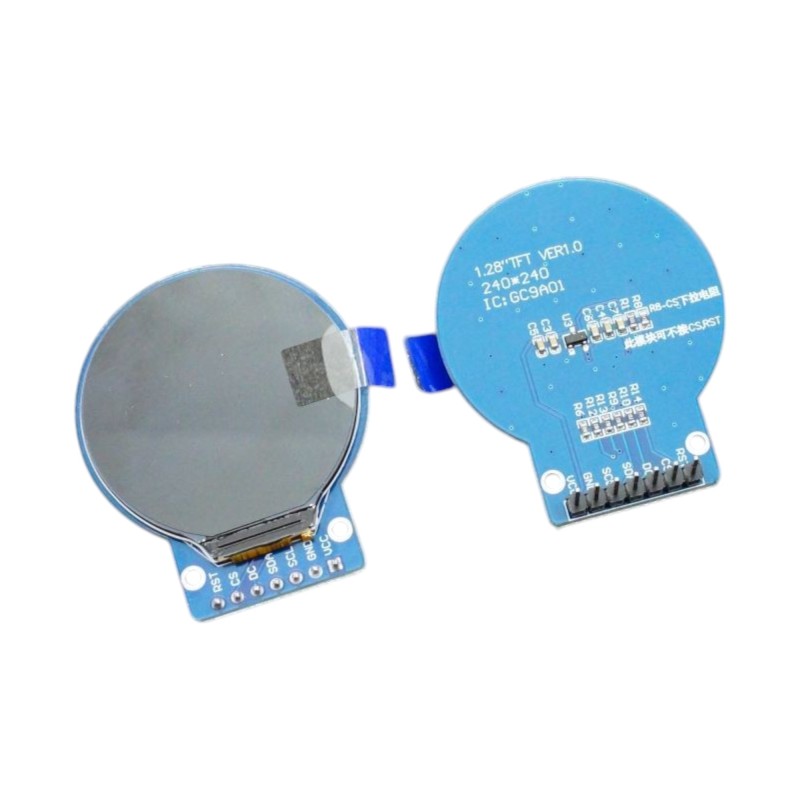
The IPS LCD 1.28″ 240×240 RGB Round Display (GC9A01) is a high-quality, full-color circular screen designed for embedded and creative applications. With its 240×240 pixel IPS panel, this display delivers vivid colors, a wide viewing angle, and smooth graphics. Originally developed for smartwatches, it brings a modern, circular design to DIY projects such as digital gauges, meters, and animated eyes. Featuring the GC9A01 controller, it communicates via SPI interface for fast and efficient updates. The module supports 3.3V logic (with 5V power compatibility) and includes a built-in voltage regulator. Its 7-pin header allows for easy connection to microcontrollers like Arduino, ESP32, STM32, and Teensy boards. Compact, durable, and visually appealing, this display is perfect for developers and makers seeking to add color and creativity to their embedded projects. Featured By RoboticsBD.
Product Images are shown for illustrative purposes only and may differ from the actual product.
This display incorporates the SPI interface which provides for fast display updates.
Since it is a write only device, it does not need the SPI MISO line hooked up. The module does bring the CS pin out to the interface which allows multiple devices to share the same SPI bus.
These are interesting modules to work with since they have full color and graphical capability with good library support and come in an interesting round shape.
The display drivers are 240×240 pixels, but obviously the LCDs are not rectangular, so the active pixels are those that fall within a circle that is overlaid over that rectangle.
These modules are breadboard friendly with a 7-pin header on the back that can be inserted into a solderless breadboard or a 7-pin female connector can be used to connect to it if the display is to be mounted. The display is mounted on a thin PCB which helps provide support, but be sure to press on the header pins when applying pressure to insert them into a breadboard and not press on the glass to avoid possible damage.
Though these displays can seem to be a bit intimidating to use at first, just follow these steps to get up and running easily.
Connect VCC to 3.3V or 5V and GND to ground on the MCU.
Connect the SPI lines. We are using a Teensy 4.1 setup in our example and are using pin 11 for SDA (MOSI) and pin 13 for SCL (SCK). Other MCUs may map their SPI on different pins.
Connect CS to pin 10, DC to pin 9 and RST to pin 8. These are all arbitrary and can be reassigned to any available pins.
If you are using a 3.3V MCU, these lines can be connected directly. If you are using a 5V MCU, then be sure to use a logic level converter.
Install the Teensy GC9A-1A_t3n library if using a Teensy. You will need to manually download it from the GitHub site as it is not available via the Arduino IDE library manager. This library is a modified version of the ILI9341_t3n library and includes updated example programs like the Uncanny Eyes.
The program below is a modified version of the example program graphicstest that is included when the GC9A01A_t3n library is installed. It is pruned way down to show the basic graphics operation of the display.
/***************************************************GC9A01A LCD Display Driver TestThis is a spin on the graphicstest example that works with the GC9A01A_t3n library for the Teensy products.It demonstrates basic color, text, rectangle and circle drawing capability ****************************************************/#include"SPI.h"#include"GC9A01A_t3n.h"// *************** Change to your Pin numbers ***************#defineTFT_DC9#defineTFT_CS10#defineTFT_RST8#defineTFT_SCK13#defineTFT_MOSI11GC9A01A_t3ntft=GC9A01A_t3n(TFT_CS,TFT_DC,TFT_RST);voidsetup(){while(!Serial&&millis()<5000);// wait for Arduino Serial MonitorSerial.begin(9600);delay(500);Serial.println("CG9A01A Test");tft.begin();tft.fillScreen(BLACK);delay(500);tft.fillScreen(RED);delay(500);tft.fillScreen(GREEN);delay(500);tft.fillScreen(BLUE);delay(500);tft.fillScreen(BLACK);delay(500);}voidloop(void){for(uint8_trotation=0;rotation<4;rotation++){tft.setRotation(rotation);drawText();tft.drawCircle(120,120,110,WHITE);tft.fillRect(100,118,40,4,WHITE);tft.fillRect(118,100,4,40,WHITE);delay(3000);}}unsignedlongdrawText(){tft.fillScreen(BLACK);tft.setCursor(75,0);tft.setTextColor(WHITE);tft.setTextSize(1);tft.println("Hello World!");tft.setCursor(75,20);tft.setTextColor(YELLOW);tft.setTextSize(2);tft.println(1234.56);tft.setCursor(50,40);tft.setTextColor(RED);tft.setTextSize(3);tft.println(0xDEADBEEF,HEX);tft.println();tft.setCursor(50,80);tft.setTextColor(GREEN);tft.setTextSize(5);tft.println("TEST");tft.setTextSize(2);tft.println("Now is the time,");tft.println("for all good men");tft.println("to come to the aid");tft.println("of their country.");tft.println();tft.setTextSize(1);tft.println("The quick brown fox");tft.println("jumps over the lazy");tft.println("dogs back...0,1,2,3,4,5,6,7,8,9");}
Displays four digits using bright green LEDs Common anode configuration for simplified wiring 12 pins for easy connection Clear visibility and compact size Versatile for various electronic projects
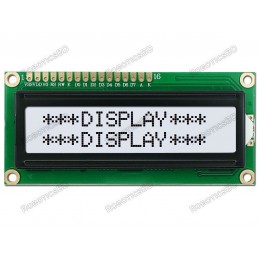
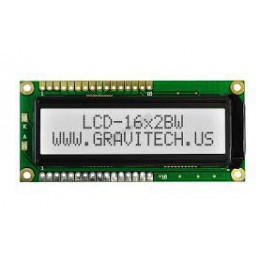
For Standard LCD 16x2 with Male Header. Press here For Standard LCD 16x2 with Female Header. Press here For Standard LCD 16x2 with I2C adapter board soldered. Press here. For Standard LCD 16x2 with White Background. Press here. For Standard LCD 16x2 with Blue Background. Press here.
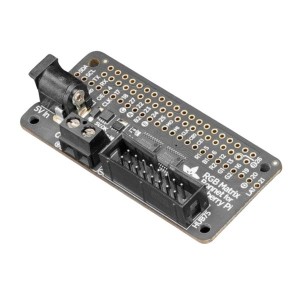
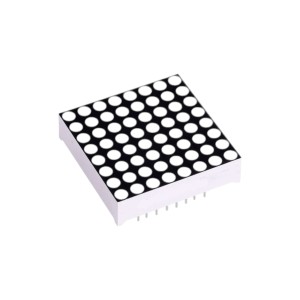
You can now create a dazzling display with your Raspberry Pi with the Adafruit RGB Matrix Bonnet. These boards plug into your Pi and make it super easy to control RGB matrices such as those we stock in the shop and create a colorful scrolling display or mini LED wall with ease.
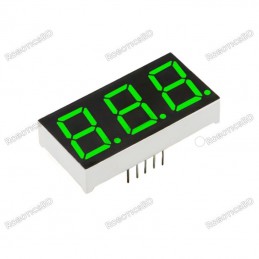
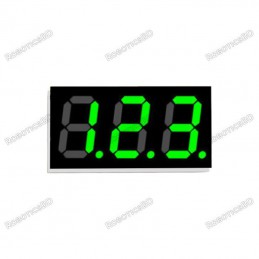
Displays three digits using bright green LEDs Common cathode configuration for simplified wiring 10 pins for easy connection Clear visibility and compact size Versatile for various electronic projects
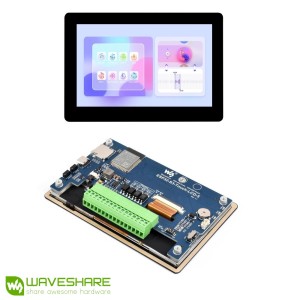
SKU:28117 | Part No.: ESP32-S3-Touch-LCD-5 | Brand: WaveshareThe Waveshare ESP32-S3 5″ Display Development Board (Touch, Standard Version) is a feature-rich development platform powered by the ESP32-S3-WROOM-1-N16R8 module. Equipped with a dual-core 32-bit LX7 processor running at up to 240MHz, built-in 16MB Flash and 8MB PSRAM, and a vibrant 800×480...
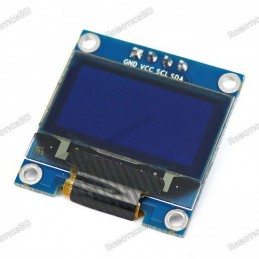
0.96-inch OLED display module with a sharp 128×64 pixel resolution. Supports both SPI and I2C communication interfaces for versatile use. 7-pin connection simplifies wiring and ensures reliable data transfer. Bright Blue OLED display provides excellent contrast and readability. Compatible with Arduino, Raspberry Pi, ESP32, STM32, and other MCUs. Compact...
Driver Chip: MAX7219 Input Voltage: 3.7 to 5.3 V Input Current: 320 mA Display Dimensions: 32x32x6 (LxWxH) mm PCD Dimensions: 50×32 (LxW) mm Soldering is required
We'll slide into your inbox when the product is back in stock.
You have successfully subscribed to this product
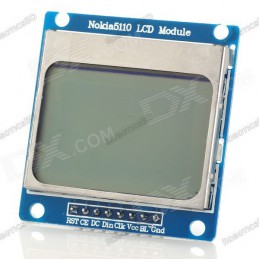
Power supply voltage: 2.7 V-3.3 V/5 V Data interface level: 2.7-5V. Resolution: 84 x 48 pixel Backlight power supply voltage: highest 3.3 V. Backlight: Blue. RoboticsBDNote: Current stock is tested by us.
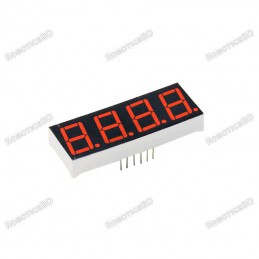
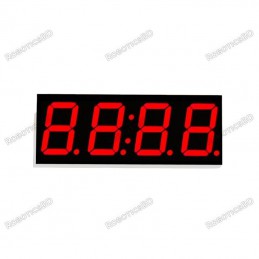
Displays four digits using bright red LEDs Common anode configuration for simplified wiring 12 pins for easy connection Clear visibility and compact size Versatile for various electronic projects
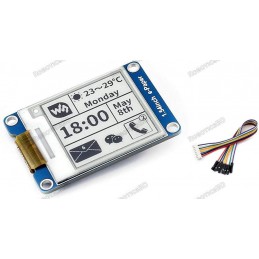
Display Resolution: 200 x 200 Display Screen Color: Black and White No backlight so keeps displaying last content for a long time even when the power is down Ultra low power consumption, basically power is only required for refreshing SPI interface, for connecting with controller boards like Raspberry Pi/Arduino/Nucleo, etc.
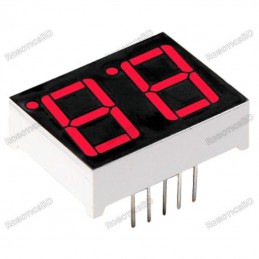
Displays two digits using bright red LEDs Common anode configuration for simplified wiring 12 pins for versatile connections Clear visibility and compact size Versatile for various electronic projects
For Standard LCD 16x2 with Male Header. Press here For Standard LCD 16x2 with Female Header. Press here For Standard LCD 16x2 with I2C adapter board soldered. Press here. For Standard LCD 16x2 with White Background. Press here. For Standard LCD 16x2 with Blue Background. Press here.
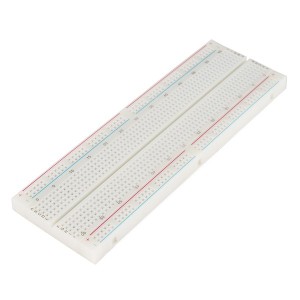
830 Solder-less Points Ideal for Experimenting With Circuit Design In Labs Compatible with resistance, diodes, transistors, LED’s, Capacitors and other types of electronic components Colored coordinates for easy components placement. Accept a variety of wire sizes 20-29 AWG
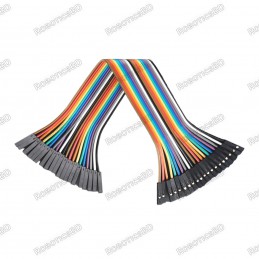
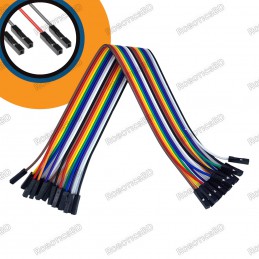
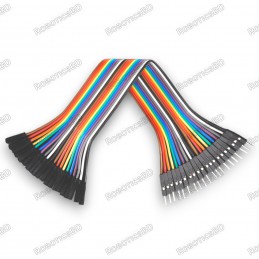
Connect components on breadboards and PCBs with ease. 20 pre-crimped jumper wires for versatile use. 20cm length for convenient connections. Female-to-female connector design for flexible connections. Colorful for easy identification and organization.
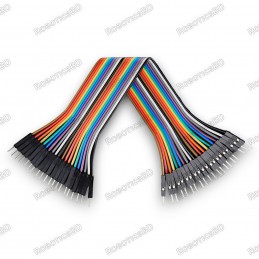
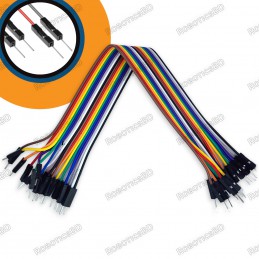
Connect components on breadboards and PCBs easily. 20 pre-crimped jumper wires for versatile use. 20cm length for convenient connections. Male-to-male connector design for simple use. Colorful for easy identification and organization.
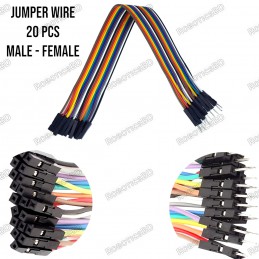
Connect components on breadboards and PCBs with ease. 20 pre-crimped jumper wires for versatile use. 20cm length for convenient connections. Male-to-female connector design for flexible connections. Colorful for easy identification and organization.
Internal integrated cold junction compensation circuit. RoboticsBD With a simple three serial SPI interface; Temperature signal can be converted into 12-bit digital Embedded thermocouple break detection circuitry. High impedance differential inputs. Operating Voltage(VDC): 3 to 5.5 Temperature Range(°C):-30°C - 150 °C Cold Junction Compensation Range(°C):...
1uF 100V multilayer ceramic capacitor (MLCC) for stable and reliable performance in your electronic projects. ±10% tolerance (105k) for applications where precise capacitance is not critical. Compact ceramic construction for space-saving integration.
Contactless transmission of data and supply energy (no battery needed) Operating distance: Up to 100mm (depending on antenna geometry) RoboticsBD Operating frequency: 13.56MHz Data transfer: 106 kbit/s Data integrity: 16 Bit CRC, parity, bit coding bit counting Anticollision Typical ticketing transaction: <100 ms ( including backup management)...
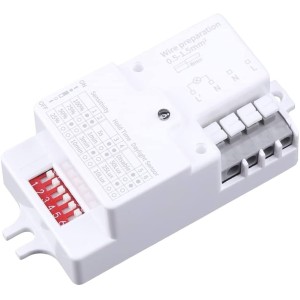
Microwave Radar Motion Detector Switch with 5.8GHz high-frequency sensing Full 360° wide-area detection for reliable lighting automation Adjustable distance (1–8m), delay (6s–30min), and LUX (≥2 Lux) via DIP switch Supports 800W incandescent / 400W LED & fluorescent loads Low standby consumption of approx. 0.9W for energy savings Ideal for home,...
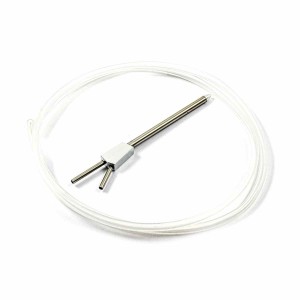
APM Airspeed Pitot Tube for Ardupilot fixed-wing systems Measures dynamic and static air pressure for accurate airspeed calculation Durable metal tube construction (105mm length) Lightweight and low-drag design for UAV and RC aircraft Compatible with APM 2.5 / 2.6 / 2.8 flight controllers Ideal for Arduplane, UAV, RC planes, and airflow experimentsNote:...
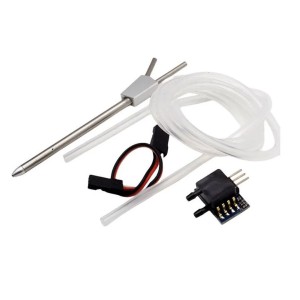
Ardupilot Airspeed Meter Kit complete set for APM flight controllers Includes MPXV7002 differential pressure sensor + pitot tube Wide measurement range -2 to 2 kPa (-0.3 to 0.3 psi) Analog output 0.5V–4.5V with 2.5V offset for accurate readings Lightweight design (sensor only 4g) ideal for UAVs Compatible with APM 2.5 / 2.6 / Ardupilot systems
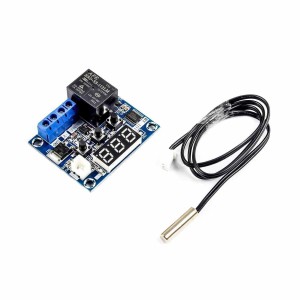
WX-101W Thermostat Temperature Controller with wide -40°C to 120°C range High precision 0.1°C accuracy with fast 0.5s refresh rate Adjustable hysteresis (0.1°C–20°C) for stable temperature control 12A relay output suitable for heating and cooling devices Powered by DC 12V with waterproof temperature sensor Ideal for incubators, aquariums, greenhouses, and...
BDT 690
BDT 690tax incl.
BDT 690tax excl.
BDT 690tax excl.
BDT 690tax incl.
BDT 690tax incl.
BDT 0Tax
BDT 690tax excl.
BDT 690tax excl.
BDT 0Tax
BDT 690tax incl.
In-Stock
In stock:18
1.28-inch round IPS LCD display with vibrant 240×240 RGB resolution.
Uses GC9A01 driver with SPI communication for fast display updates.
Full-color display with wide viewing angle and excellent clarity.
Operates at 3.3V logic (5V power compatible) – ideal for Arduino, ESP32, STM32, and Teensy.
7-pin interface makes it breadboard-friendly and easy to integrate.
Perfect for smartwatch displays, gauges, robotics, and creative visual projects.