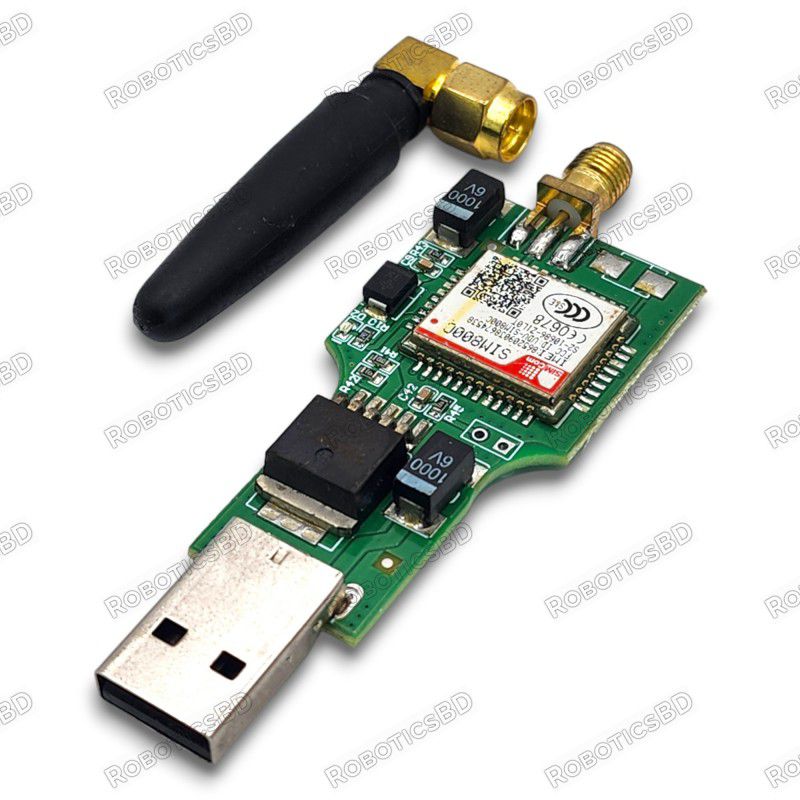
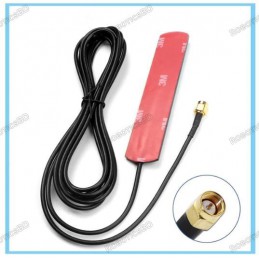
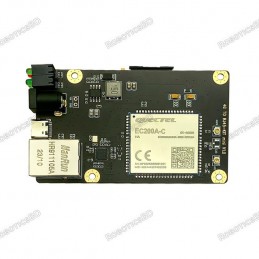
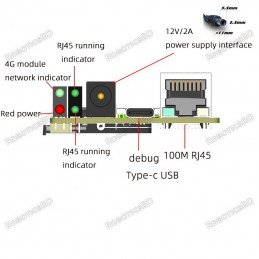
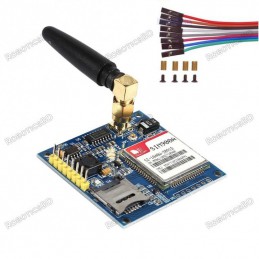
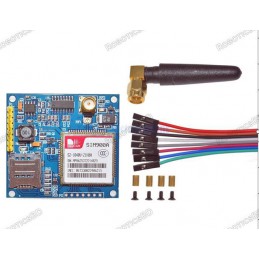
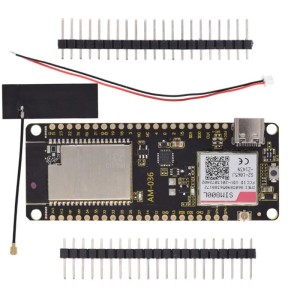
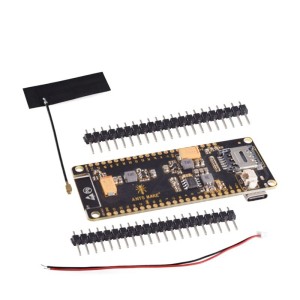
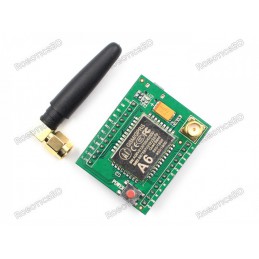
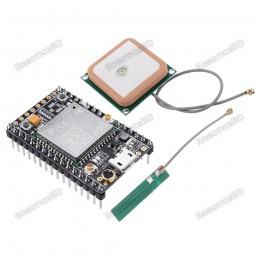
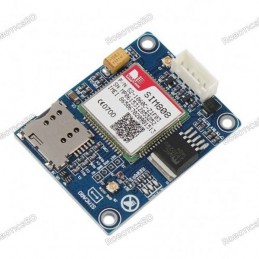
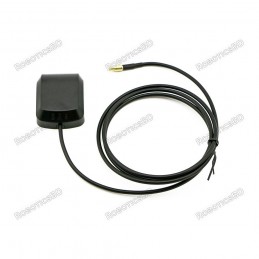
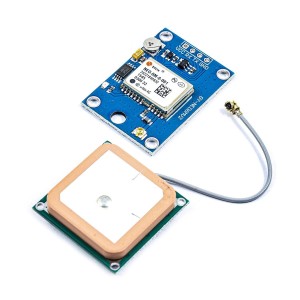
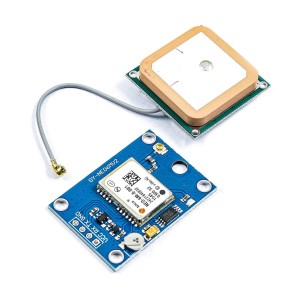
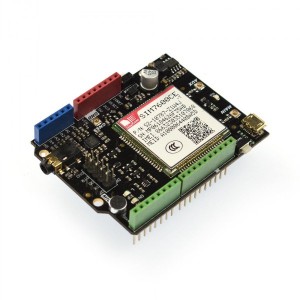
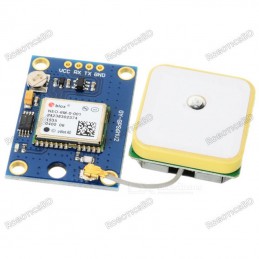
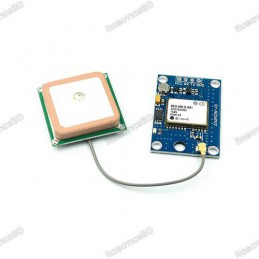
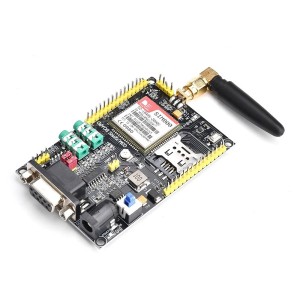
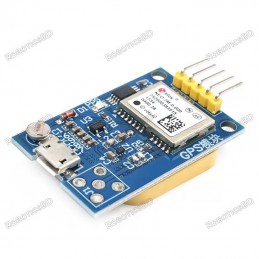
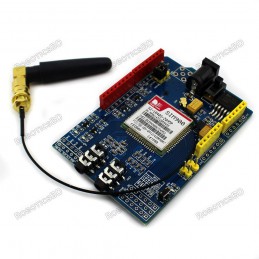
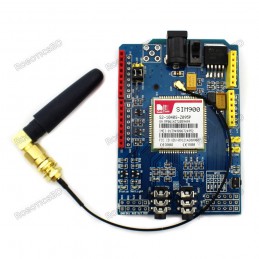
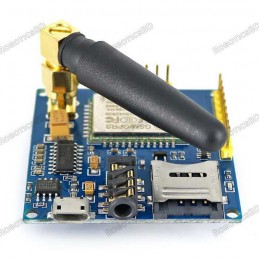
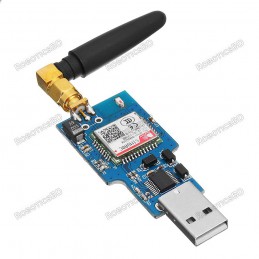
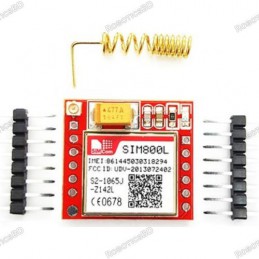
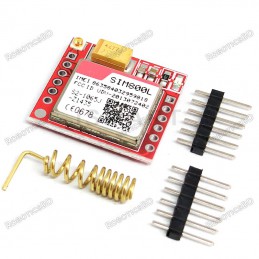
The USB to GSM Module with SIM800C empowers you to integrate cellular connectivity into your development projects. This feature-rich module centers around the reliable SIM800C core, enabling functionalities like voice calls, SMS messaging, data transmission, and even Bluetooth communication. Featured By RoboticsBD.
Global Communication:
Supporting quad-band GSM/GPRS (850/900/1800/1900 MHz), this module seamlessly connects to cellular networks around the world. This ensures your project can leverage cellular connectivity regardless of geographical location.
Simplified Integration:
This USB to GSM module prioritizes ease of use. It eliminates the need for complex code writing with USB communication capabilities. The included PC software streamlines automation tasks, while features like automatic network connection and adaptive frequency further enhance user experience.
Additional Highlights:
- Dual Antenna Design: Enhances signal reception for reliable communication.
- Micro/Nano SIM Card Compatibility: Supports a wide range of SIM card formats.
- Automatic Power-On Network Connection: Saves time and simplifies operation.
- SMS Management Software: Provides a user-friendly interface for SMS communication.
- GPRS Data Transmission: Enables applications like remote meter reading.
- Bluetooth Connectivity: Broadens communication options for your projects.
- LED Indicator: Provides visual feedback on operational status.
Product Images are shown for illustrative purposes only and may differ from the actual product.
RoboticsBD RoboticsBD RoboticsBD RoboticsBD RoboticsBD RoboticsBD RoboticsBD RoboticsBD RoboticsBD RoboticsBD
Features:
- Cellular Connectivity (SIM800C Module): Voice, SMS, Data Transmission
- Bluetooth Communication: IEEE802.15 Standard, 2.4GHz Frequency
- Quad-Band GSM/GPRS Support (850/900/1800/1900 MHz)
- USB Communication: Simplifies Integration with PCs
- PC Software Support: Streamlines Automation Tasks
- Automatic Network Connection and Adaptive Frequency
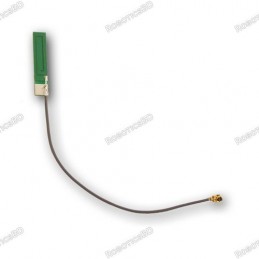
- Dual Antenna Design
- Micro/Nano SIM Card Compatibility (2G/3G/4G)
- Self-Elastic SIM Slot Design
- Automatic Power-On Network Connection
- SMS Management Software Included
- GPRS Data Transmission Support
- LED Indicator for Status Display
RoboticsBD RoboticsBD RoboticsBD RoboticsBD RoboticsBD RoboticsBD RoboticsBD RoboticsBD RoboticsBD RoboticsBD
Applications:
- Industrial Automation: Remote monitoring and control of industrial equipment.
- Robotics Projects: Integrate cellular connectivity for robot communication.
- Data Acquisition Systems: Collect and transmit data remotely using cellular networks.
- SMS-Based Alerts and Notifications: Send and receive SMS for alerts and notifications.
- Remote Control Systems: Establish remote control capabilities through cellular networks.
- IoT (Internet of Things) Projects: Add cellular connectivity to your IoT devices.
RoboticsBD RoboticsBD RoboticsBD RoboticsBD RoboticsBD RoboticsBD RoboticsBD RoboticsBD RoboticsBD RoboticsBD
| General Specification |
| Feature | Specification |
| Module | SIM800C |
| Network Support | Quad-Band GSM/GPRS (850/900/1800/1900 MHz) |
| Interface | USB |
| Power Supply | DC 5V |
| Operating Temperature | -20℃~85℃ |
| Operating Humidity | 0%-95%RH |
| Controller Size | 70 x 27 x 6 mm |
| Antenna Size | 50 x 17 x 11 mm |
| Shipment Weight | 0.020 kg |
| Shipment Dimensions | 12 x 8 x 3 cm |
Please allow 5% measuring deviation due to manual measurement.
RoboticsBD RoboticsBD RoboticsBD RoboticsBD RoboticsBD RoboticsBD RoboticsBD RoboticsBD RoboticsBD RoboticsBD
Documentation:
The SIM800C module itself doesn't require specific software to function with a USB connection. It typically acts as a serial port device that you can interact with using terminal software like Putty or the Arduino IDE serial monitor.
Here's a quick guide on how to use a SIM800C with Putty:
- Install the USB driver for your SIM800C development board (if required).
- Connect the SIM800C to your computer using a USB cable.
- Launch Putty and configure the serial connection settings:
- Serial line: Select the COM port that your SIM800C is connected to (you can find this in your device manager).
- Speed: 9600 baud
- Data bits: 8
- Stop bits: 1
- Parity: None
- Flow control: None
- Open the serial connection.
- Type 'AT' and press enter. If the SIM800C is functioning correctly, you should see an 'OK' response.
You can then use AT commands to communicate with the SIM800C and control its various functionalities.
List of AT Commands
- This module requires a SIM card (not included) and cellular service plan for operation.
- Verify network compatibility with your cellular service provider.
- Consider antenna placement and signal strength requirements for your project.
Package Includes:
1 x USB to GSM Serial GPRS SIM800C Module
RoboticsBD RoboticsBD RoboticsBD RoboticsBD RoboticsBD RoboticsBD RoboticsBD RoboticsBD RoboticsBD RoboticsBD
RoboticsBD RoboticsBD RoboticsBD RoboticsBD RoboticsBD RoboticsBD RoboticsBD RoboticsBD RoboticsBD RoboticsBD