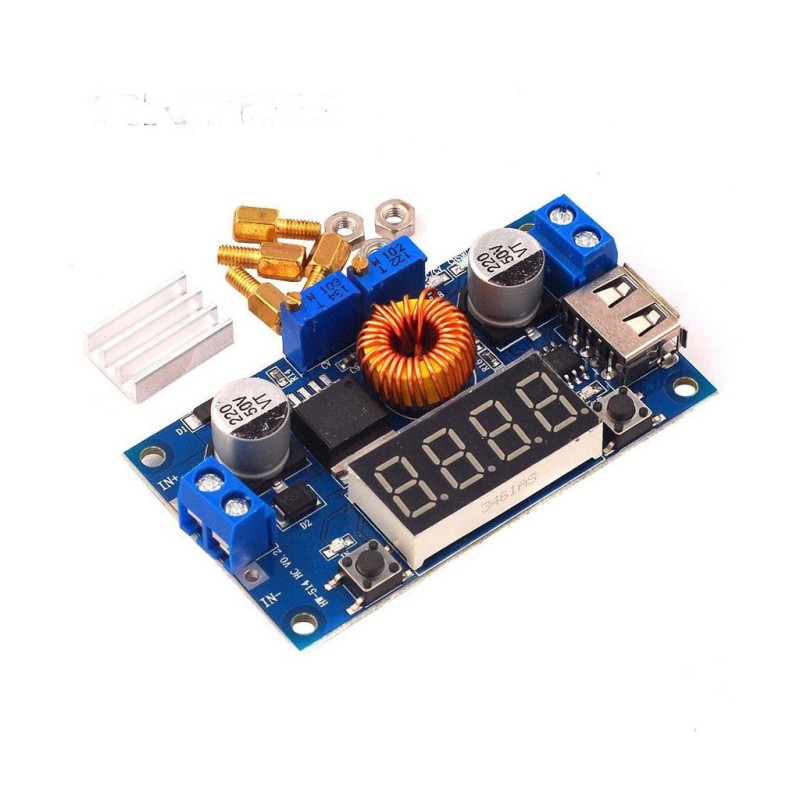
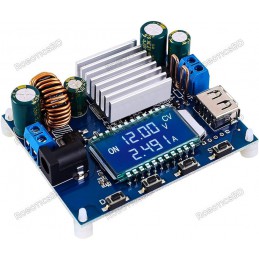
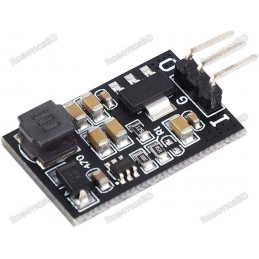
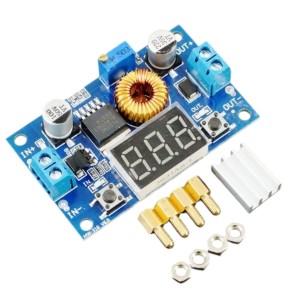
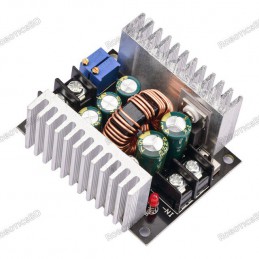
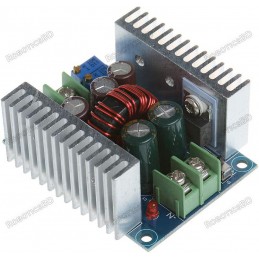
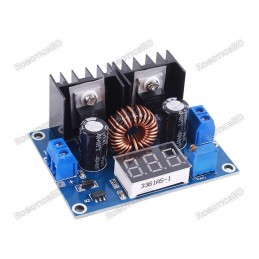
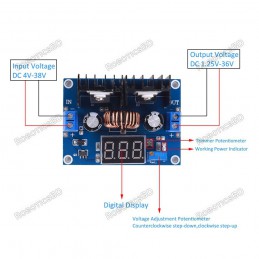
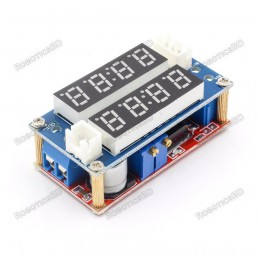
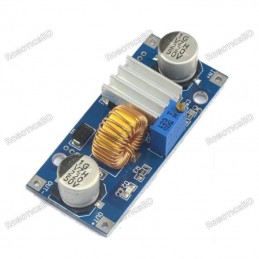
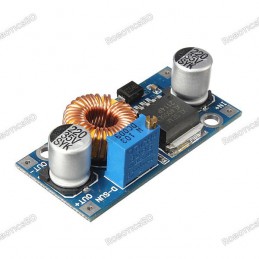
The 1.2-34V 5A DC-DC Step-down CC/CV XL4015 Module is a versatile power solution designed for charging, regulation, and current control. Powered by the XL4015 PWM buck converter, it supports both constant voltage and constant current modes, making it suitable for a wide range of applications including battery charging, LED or laser driving, lab power supplies, and renewable energy projects. With an adjustable output voltage range of 1.2V to 34V and a maximum current of 5A (4A continuous), this module ensures stable and efficient power delivery. The built-in digital meter clearly displays voltage, current, and power readings, eliminating the need for external meters and simplifying setup and monitoring. Its compact design, high efficiency, and adaptability make it an excellent choice for electronics enthusiasts, hobbyists, and professional projects. Featured By RoboticsBD.
Product Images are shown for illustrative purposes only and may differ from the actual product.
RoboticsBD RoboticsBD RoboticsBD RoboticsBD RoboticsBD RoboticsBD RoboticsBD RoboticsBD RoboticsBD RoboticsBD
Features:
XL4015-based DC-DC buck converter with constant voltage & current modes
Wide output voltage range: 1.2V – 34V for flexible applications
Supports up to 5A peak (4A continuous) with high efficiency
Integrated display shows voltage, current, and power in real time
Low ripple with excellent line and load regulation performance
Adjustable current control allows safe battery charging and LED driving
Compact, cost-effective, and easy-to-use power solution
RoboticsBD RoboticsBD RoboticsBD RoboticsBD RoboticsBD RoboticsBD RoboticsBD RoboticsBD RoboticsBD RoboticsBD
Applications:
Charging lithium-ion, LiFePO4, and custom voltage batteries
Powering and controlling high-power LEDs or laser diodes
Acting as a lab bench power supply with adjustable output
Regulating solar panels or wind turbines for energy storage charging
DIY electronics projects requiring stable and adjustable DC power
RoboticsBD RoboticsBD RoboticsBD RoboticsBD RoboticsBD RoboticsBD RoboticsBD RoboticsBD RoboticsBD RoboticsBD
| General Specifications |
| Module Type | XL4015 Step-down Buck Converter |
| Input Voltage | 5V – 36V DC |
| Output Voltage | 1.2V – 34V DC (adjustable) |
| Output Current | 0 – 5A peak (4A continuous) |
| Switching Frequency | 180 KHz |
| Control Mode | Constant Voltage (CV) & Constant Current (CC) |
| Efficiency | Up to 96% |
| Display | Voltage (V), Current (A), Power (W) |
| Ripple | Low ripple with stable regulation |
| Suitable for | Battery charging, LED/laser driving, lab supply |
| Shipment Weight | 0.055 kg |
| Shipment Dimensions (cm) | 7 × 4 × 3 |
Please allow 5% measuring deviation due to manual measurement.
RoboticsBD RoboticsBD RoboticsBD RoboticsBD RoboticsBD RoboticsBD RoboticsBD RoboticsBD RoboticsBD RoboticsBD
Documentation:
Voltmeter Calibration
Output voltage calibration:
Adjust the right button so that the "OUT" LED is illuminated, the voltmeter shows the value of output voltage. Press the right button for more than 2 seconds, release, voltmeter and "OUT" LED flashes in synchronization so that you enter the output voltage calibration mode.
Press the right button (normal speed), the voltage value will increase a unit; press the left button, decrease a unit. Due to a unit being less than 0.1V and the minimum voltage display being 0.1V, you need to continuously press 1-5 times to see the voltmeter change 0.1V. The number of times the button must be pressed to change 0.1V depends on the current display voltage, the higher the voltage, the fewer the number of presses.
Press the right button for more than 2 seconds and release to exit the output voltage calibration mode. All parameters are automatically saved.
Input voltage calibration:
Adjust the right button so that "IN" LED is illuminated, the voltmeter shows the value of input voltage. Press the right button for more than 2 seconds, release, voltmeter and "IN" LED flashes in synchronization so that you enter the input voltage calibration mode.
Steps 2 and 3, are the same as the output voltage calibration.
NOTES:
The module inputs and outputs should be isolated from ground.
The voltage on the USB connector is the module's output voltage, not a fixed 5V output. When using the module to power USB-powered digital equipment, make sure the output voltage is set to 5V before connecting anything to the USB connector.
Always set the output voltage and current before connecting a load.
For maximum efficiency, the output voltage level should be about 80% of the input voltage level.
Operation above 2A continuous current may require heatsinking and/or forced air cooling of the XL4015 IC and the LM317 regulator on the back of the circuit board.
RoboticsBD RoboticsBD RoboticsBD RoboticsBD RoboticsBD RoboticsBD RoboticsBD RoboticsBD RoboticsBD RoboticsBD
Package Includes:
1x Step-down buck CC/CV Battery Charger LED Driver w/ Meter
4x Mounting standoffs and nuts
RoboticsBD RoboticsBD RoboticsBD RoboticsBD RoboticsBD RoboticsBD RoboticsBD RoboticsBD RoboticsBD RoboticsBD
RoboticsBD RoboticsBD RoboticsBD RoboticsBD RoboticsBD RoboticsBD RoboticsBD RoboticsBD RoboticsBD RoboticsBD